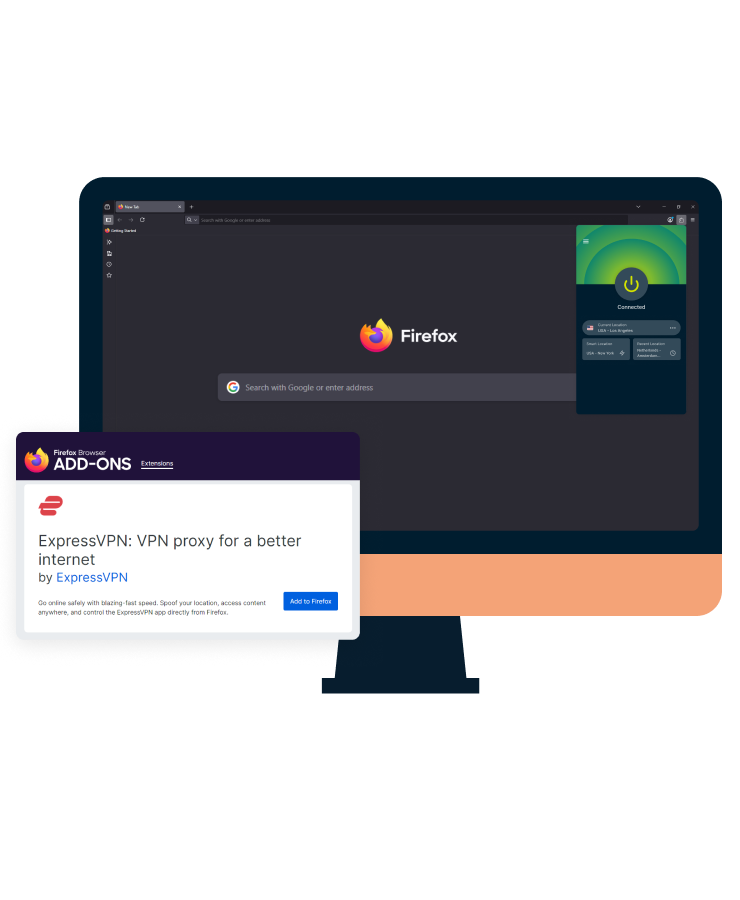

Download the best VPN extension for Firefox
- Toggle between proxy mode and full VPN device control
- Keep your IP address private from websites
- Browse securely on Firefox with fast, reliable connections
✔ 30-day money-back guarantee for first-time users
An ExpressVPN subscription is required to use the Firefox browser extension
Got ExpressVPN? Download the Firefox extension now.
Set up ExpressVPN’s Firefox extension in 3 easy steps
Keep prying eyes off the sensitive topics you’re browsing in less than 3 minutes
-
![Pick Subscription Plan@2x 2]()
Step 1
Subscribe to ExpressVPN*Subscribe to ExpressVPN
. You can download the app for device-wide protection.
-
![Get Extension Firefox@2x]()
Step 2
Install the Firefox extension
Add the ExpressVPN browser extension to your Firefox browser via the Mozilla Store.
-
![Connect To Server Firefox@2x]()
Step 3
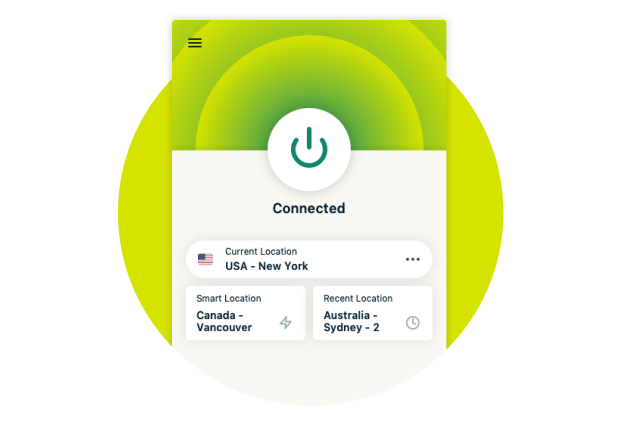
Connect to a server
Select a server location and turn on the VPN. Start browsing with peace of mind.

What is a Firefox VPN extension, and how does it work?
Most Firefox VPN extensions act as simple proxies. ExpressVPN’s extension can run as a standalone VPN proxy or work with the ExpressVPN app for full-device protection.
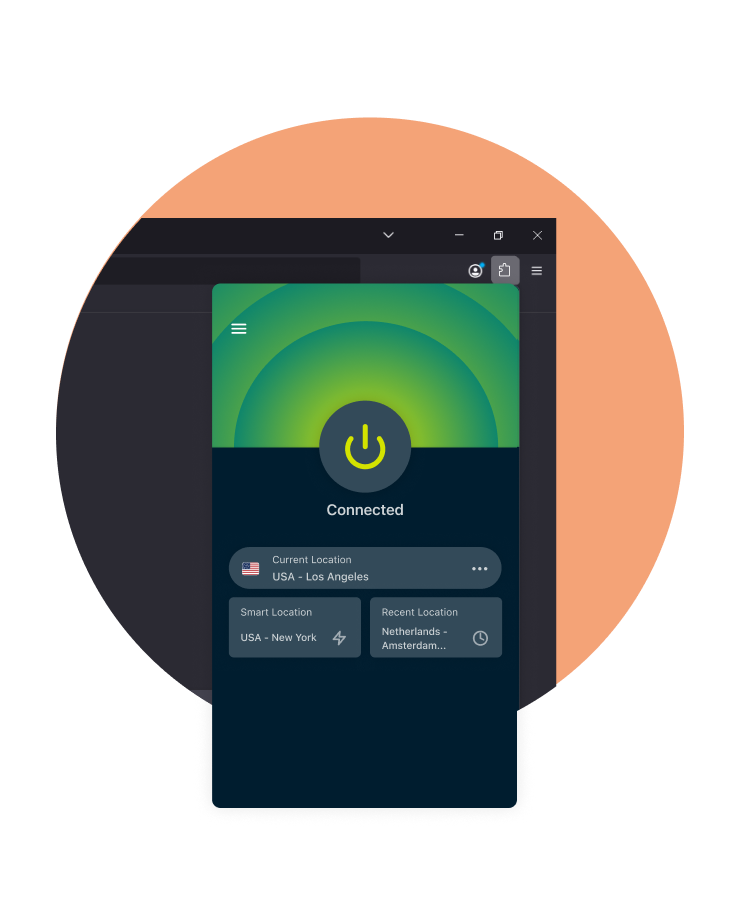
What does a VPN extension do?
A Firefox VPN extension changes your browser traffic so you can browse and surf the web with improved privacy. It:
- Encrypts your browser traffic to help prevent third parties like your ISP from seeing what sites you visit via the browser
- Keeps your IP address and location private from many websites
- Uses shared IP addresses to confuse online trackers and prevent them from creating an accurate profile of you
- Reduces your risk when logging into banking and online shopping accounts over unsecured public Wi-Fi
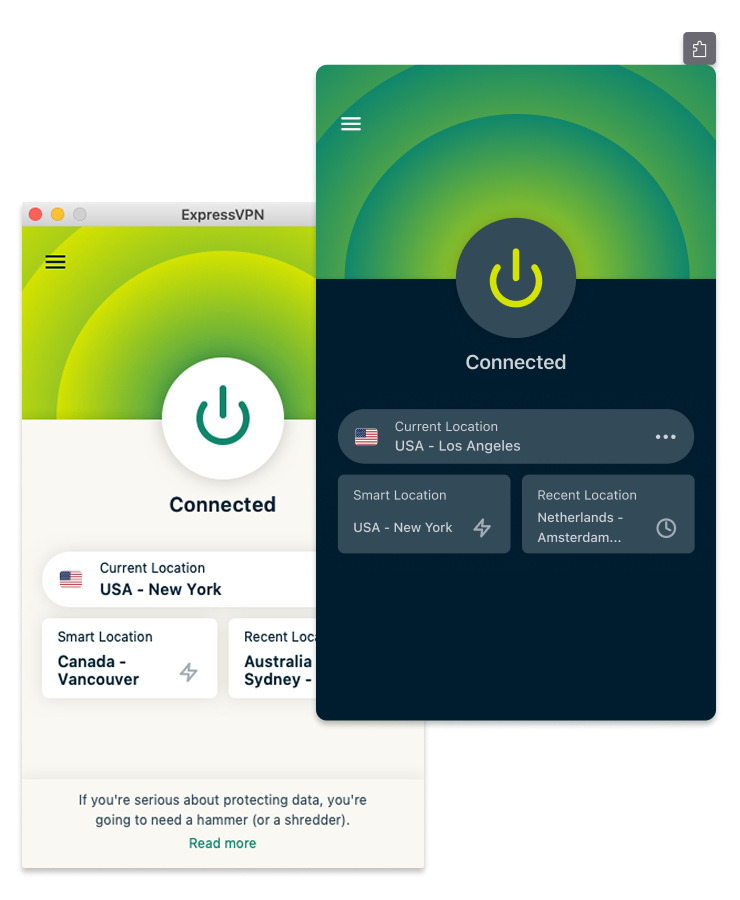
VPN app vs. VPN extension: What’s the difference?
VPN App:
Encrypts all internet traffic between your device and the internet for comprehensive online protection. This includes your browsers, apps, and all other online services you use.
VPN Browser Extension: Typically encrypts only the data transmitted through the browser it’s installed on. Other apps' traffic remains unprotected unless you’ve also turned on a full-fledged VPN app. ExpressVPN’s Firefox extension is different. When paired with the ExpressVPN app, all device traffic is encrypted and routed through the VPN. When used alone, the extension protects only your Firefox browser traffic.
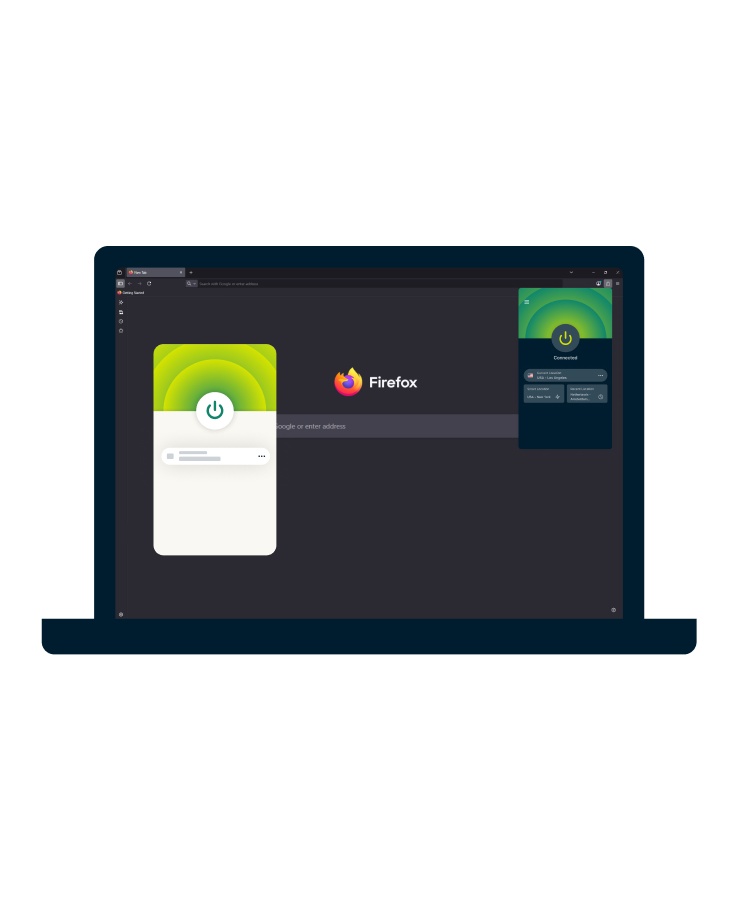
Do you need both a VPN app and a browser extension?
No, but it can give you even more control over your VPN traffic.
It’s not necessary to have both our VPN browser extension and app installed on your device if security or privacy is your main concern.
To use the Firefox extension, you simply need to sign into your ExpressVPN account from your browser. The extension encrypts and routes your device traffic through a private server in the location you choose.
If you value control, installing both the app and extension offers more advanced features and customization options. You can even use our Firefox VPN extension as a controller for the full VPN app.
What you risk without a Firefox VPN
See what changes when your privacy is finally in your hands
-
Before
✘
Websites and trackers can link your activity to your device’s IP address
✘ Your browser traffic may be visible to networks you’re connected to
✘ You rely on multiple privacy settings and add-ons to stay protected
✘ Ads and trackers can follow your browsing based on your IP address
✘ You’re always second-guessing whether your browsing activity is truly private and safe
-
After
✔
Your IP address is replaced with the VPN server’s IP, helping keep your browsing more private
✔ Your Firefox traffic is encrypted, reducing what ISPs and Wi-Fi operators can see
✔ You manage your privacy in a couple of clicks directly from the extension
✔ Shared VPN IP addresses make it harder for trackers to profile you
✔ Features like WebRTC blocking help reduce browser-based IP exposure
Why use a VPN extension with your Firefox browser?
ExpressVPN’s add-on for Firefox can be used as a standalone VPN proxy or with the full ExpressVPN app for more advanced VPN protection
-
![Encrypt your browser and device traffic for added security Don’t want your email and messaging apps left out? While ExpressVPN’s extension can ...]()
Encrypt your browser and device traffic for added security
Don’t want your email and messaging apps left out?
While ExpressVPN’s extension can be used as a standalone app to encrypt your Firefox browser traffic, you can also use it as a remote control for the VPN app without leaving Firefox. That way, you can route all your device’s traffic through an encrypted tunnel, including from other apps and browsers.
-
![HTML5 geolocation spoofing helps keep your location private Websites can use location settings and GPS to track you down, even with a VPN on. Expre...]()
HTML5 geolocation spoofing helps keep your location private
Websites can use location settings and GPS to track you down, even with a VPN on.
ExpressVPN matches your Firefox geolocation data to the IP address of the VPN server you’re connected to.
This reduces how much location data websites can detect from your browser.
-
![WebRTC blocking helps prevent exposing your IP address Concerned about browser IP leaks? You can block WebRTC on Firefox to obscure your IP address...]()
WebRTC blocking helps prevent exposing your IP address
Concerned about browser IP leaks?
You can block WebRTC on Firefox to obscure your IP address when using services like Zoom that rely on WebRTC.
Your browser will use the same network path for real-time media as for regular web traffic.
-
![Quick connection for easy use Need protection that keeps up with your pace? With the Firefox extension pinned to the toolbar, you can connect in ju...]()
Quick connection for easy use
Need protection that keeps up with your pace?
With the Firefox extension pinned to the toolbar, you can connect in just a few clicks, without any complicated menus.
Enable auto-connect on browser launch for a more seamless start to each browsing session.
-
![Smart Routing for site-specific connections Want more control over how you browse? The Firefox browser extension includes Smart Routing, which lets...]()
Smart Routing for site-specific connections
Want more control over how you browse?
The Firefox browser extension includes Smart Routing, which lets you use rules to manage connections to specific websites.
There’s no need to manually switch locations or change settings each time you browse.
-
![A multilingual interface for global accessibility Prefer a Firefox VPN that’s in your own language? ExpressVPN for Firefox is available in 17 lan...]()
A multilingual interface for global accessibility
Prefer a Firefox VPN that’s in your own language?
ExpressVPN for Firefox is available in 17 languages, so you can choose what works best for you.
Browse privately and confidently, without having to translate your security settings.






Try it in dark mode

Paid Firefox VPN vs. free Firefox VPN
Free might sound good, until you realize what you’re missing. And risking.
| ExpressVPN for Firefox | Free Firefox VPN | |
|---|---|---|
| Security | When used with the ExpressVPN app, device-wide traffic is encrypted. When used alone, the browser extension encrypts Firefox traffic | Typically protects only browser traffic |
| Speed and Performance | High-speed, 10Gbps and 40Gbps servers in 214+ locations worldwide | Usually have slower speeds due to overcrowded servers or bandwidth caps |
| Privacy protection | Independently audited no-logs policy | Some free VPNs log user activity or sell that data to third parties |
| Reliability | Works reliably with global sites and web services. Expect stable connections thanks to frequent IP address refreshing | Often blocked by browser-based platforms and firewalls. You may experience increased CAPTCHA verification requests due to bots |
| Reputation | Zero ads and no malware risks | Some free VPNs may inject malware into devices or use ads as a source of income |
| Customer Support | ExpressVPN offers 24/7 live chat and email support | Usually no live support, you’re limited to FAQs or community forums |
Firefox extension by ExpressVPN: Features
Trust a VPN that has mastered the fundamentals, not one offering gimmicks on your browser

Connect to VPN servers in 113 countries
Whether you're at home, traveling, or working remotely, you can connect to a VPN server across the globe within seconds. ExpressVPN has servers in 113 countries, all using our private DNS, so you can browse, read news, and use online services with added privacy.

Stream, surf, and scroll at top speeds
ExpressVPN’s 10Gbps and 40Gbps servers are engineered to support fast, consistent connections. From 4K streaming to fast-loading pages, every connection is optimized for speed with our proprietary Lightway protocol. You won’t deal with bandwidth restrictions on our network either.
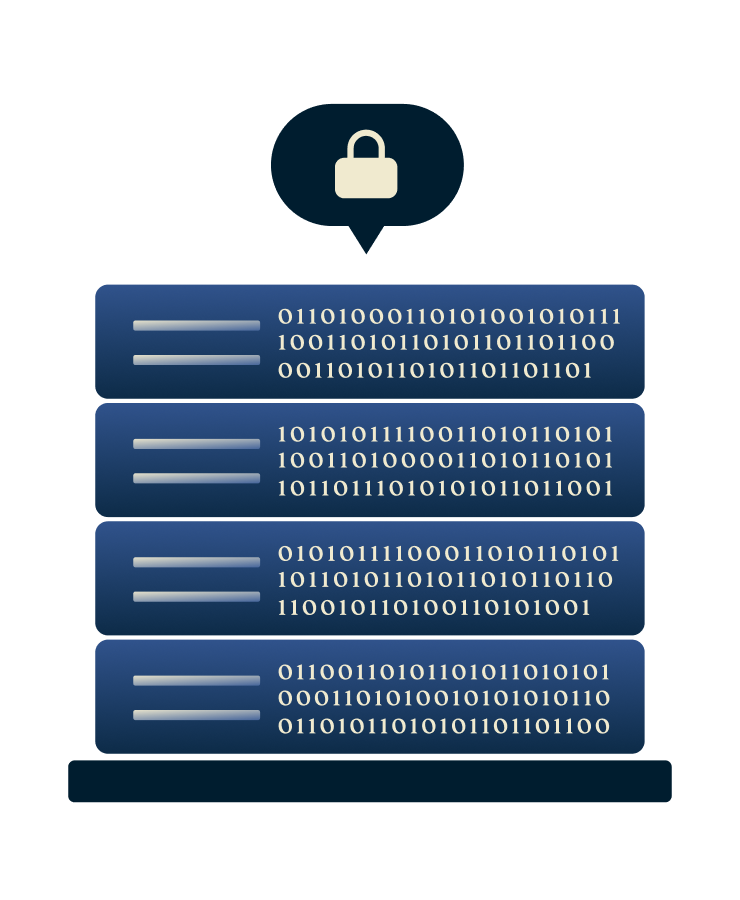
Privacy-focused TrustedServer technology
ExpressVPN servers run entirely on volatile RAM memory, not hard drives. No data is ever written to disks, and everything is wiped with every server reboot. Each server installs a fresh version of the latest software stack at startup to curb tampering.

Leak protection secures your data
ExpressVPN’s Firefox extension includes WebRTC blocking to help reduce browser-based IP exposure. When used with the ExpressVPN app, Internet Kill Switch will automatically stop all internet traffic until you're protected again.
Top-level encryption shields your data
ExpressVPN uses 256-bit AES encryption, the standard trusted by privacy experts worldwide. Paired with secure open-source VPN protocols like Lightway, helping to protect your online activity.

Custom connection rules
Smart Routing lets you control how you connect to websites when using the extension in proxy mode. You can set rules to route certain sites through selected VPN server locations or allow others to connect directly without being routed through a VPN server.

Audited by independent security experts
We’re not expecting you to just trust us—we've proven our commitment to privacy and security through public, third-party scrutiny.
ExpressVPN’s technology, privacy policy, and no-logs claims undergo regular independent audits by leading cybersecurity firms like Cure53 and PwC.

24/7 live chat with real people
ExpressVPN’s support team is available around the clock via live chat or email, with quick response times and real solutions so you’re never without protection for long.
What people are saying about ExpressVPN
I have ExpressVPN on all my devices - phone, laptop, tablet, AppleTV, etc., and absolutely love it.


* A sample of reviews from our most satisfied customers
Got an account with @expressvpn yesterday. Great decision for traveling out of the country!
@D_Geiger

* A sample of reviews from our most satisfied customers
With its consistent performance and reliable security, ExpressVPN is the best VPN out there.

* We sometimes pay expert sites for customer referrals
Frequently asked questions about Firefox VPNs
What is a Firefox VPN extension?
A Firefox VPN extension is an add-on you install in your browser that helps protect your privacy while you browse. It encrypts your browser’s traffic and helps keep your IP address private from many websites, reducing how much information they can associate with your activity.
How does a Firefox VPN extension work?
When you activate a VPN extension in Firefox, it routes your browser traffic through a secure, encrypted tunnel to a VPN server. This helps keep your activity private from many networks and websites. Some extensions, including ExpressVPN’s, also offer features like WebRTC leak protection and HTML5 geolocation spoofing for additional privacy controls.
Why do you need a Firefox VPN?
Without a VPN, your browser activity is more easily monitored by your internet provider, your employer or school, websites you visit, and advertisers. A Firefox VPN extension helps keep your activity private by encrypting your browser traffic and keeping your IP address private from many websites. It can offer added peace of mind when using public Wi-Fi or browsing sensitive topics.
Do I need the ExpressVPN app if I use the browser extension?
No. You can use the Firefox extension on its own as a standalone VPN proxy for browser-only protection. If you also install the ExpressVPN app, you can manage device-wide protection from the extension and access app features such as Internet Kill Switch.
Should I use a free Firefox proxy?
Free proxies often fall short in crucial areas such as speed, security, encryption, and overall quality of service. This can lead to a suboptimal online experience.
There are also risks associated with some free proxies, including injecting targeted ads and spam, logging your browsing history, and even recording sensitive information. Instead, consider investing in a Firefox VPN extension like ExpressVPN for stronger privacy protections, more consistent performance, and additional features such as WebRTC blocking and HTML5 geolocation spoofing.
How do I use a VPN on Firefox?
There are two ways to browse on Firefox with a VPN:
1. Use a VPN app: Download and install the ExpressVPN app on your device, open it, and connect to a VPN server. All your traffic will be routed through the encrypted VPN connection.
2. Use a VPN browser extension: Download the ExpressVPN Firefox extension to your device. Click the extension icon in the toolbar and click "Connect." Firefox will now route your browser traffic through your chosen VPN server.
How do I know if my Firefox VPN is working?
The simplest way to check whether your Firefox VPN is working is to search "What’s my IP" in the search bar, both with and without the VPN turned on. You should see that your IP address changes when you use a VPN.
Why do I need a VPN browser extension?
No protection is 100% foolproof, even if Firefox is considered one of the most secure browsers available.
The ExpressVPN extension for Firefox offers easy control of your VPN connection from your browser and includes additional features such as WebRTC blocking and HTML5 geolocation spoofing. It provides added privacy inside Firefox, whether or not the ExpressVPN app is running.
Does a VPN hide my Firefox history?
Your browser history is typically stored inside your browser. Using a VPN will not change this, but you can disable such recording in Firefox and delete any history collected so far.
Your browsing history might also be inferred by others monitoring your internet connection, such as your internet service provider or Wi-Fi operator. ExpressVPN encrypts all data between your device and the ExpressVPN servers, helping prevent ISPs or Wi-Fi operators from seeing the sites you visit.
Note that browser history is not the same as search history. If you are logged in to Google and using its search engine, those searches will be recorded even if you are using a VPN.
Is the ExpressVPN extension for Firefox secure?
Security is at the forefront of what we do at ExpressVPN. Not only do we aim to design our apps and systems to offer a high level of privacy and security, but we also routinely engage independent auditors to validate our security claims. It’s one of the best ways for our users to know if they can trust our services to protect them. See the full list of audits.
Does Firefox have a built-in VPN?
Firefox offers Mozilla VPN, but it’s a separate paid service, not built into the standard browser. Firefox’s private browsing mode hides history locally, but it doesn’t encrypt your traffic or hide your IP from the outside world—that’s where a VPN comes in.
What is Smart Routing in the ExpressVPN Firefox extension?
Smart Routing lets you set rules for how you want to connect to specific websites. For example, you can set it up to always connect to a particular VPN server location or to not use the proxy connection when visiting certain sites. Once set, these rules apply automatically in your browser, but don’t affect device-wide VPN connections.















Experience the best Firefox VPN
- Use the extension for browser-only protection or pair it with the app for device-wide coverage
- Connect in a couple of clicks without leaving your browser