إدارة كلمات المرور بكل سهولة
- احفظ كلمات المرور والمفاتيح والبطاقات والملاحظات في خزانة آمنة واحدة
- شارك تسجيلات الدخول والعناصر الحساسة الأخرى بأمان مع الأشخاص الموثوقين لديك
- احصل على وصول سريع إلى حساباتك باستخدام الملء التلقائي والمصادقة البيومترية
ضمان استرداد الأموال خلال 30 يومًا للمستخدمين لأول مرة
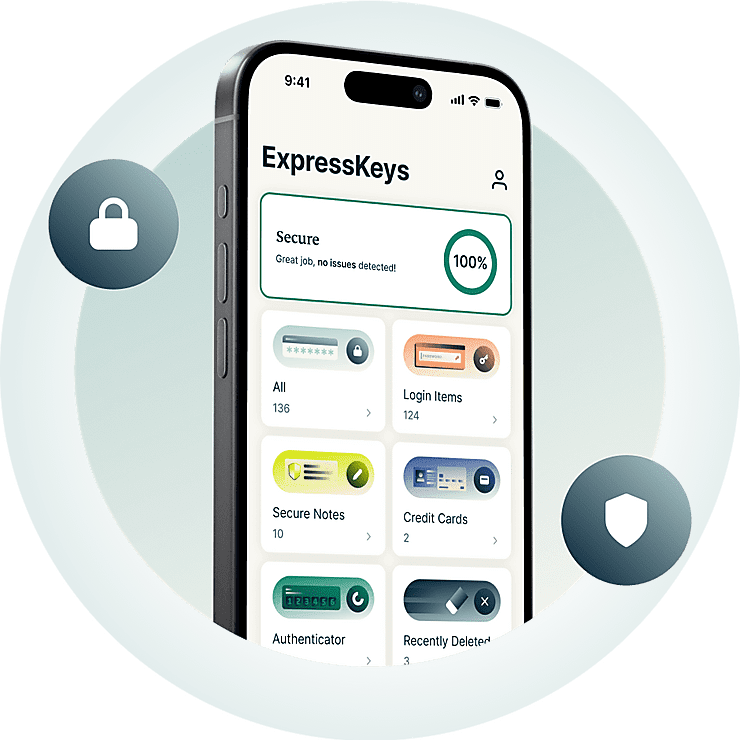





كل ما تحتاج إليه لحماية حساباتك
شاهد كيف يساعدك ExpressKeys في إنشاء وتخزين ومشاركة وإدارة كلمات المرور.
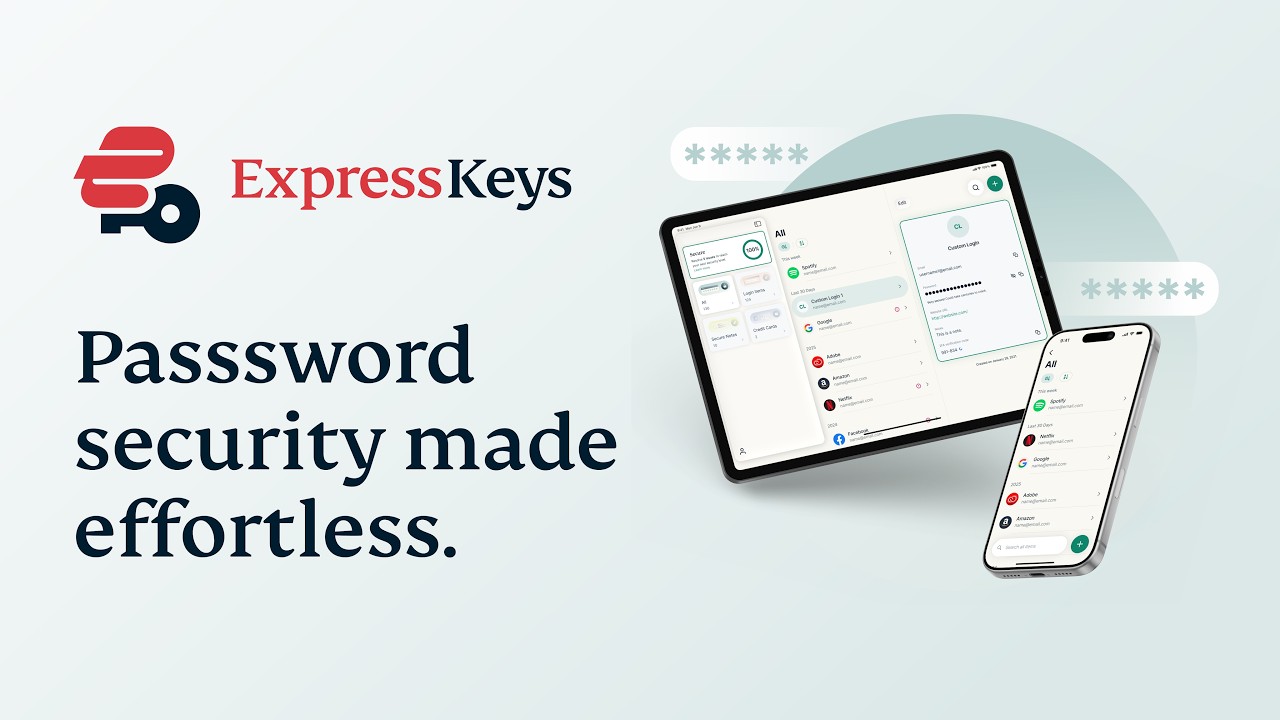
لماذا ExpressKeys؟
قم بترقية حماية كلمات المرور. قم بترقية راحة بالك.
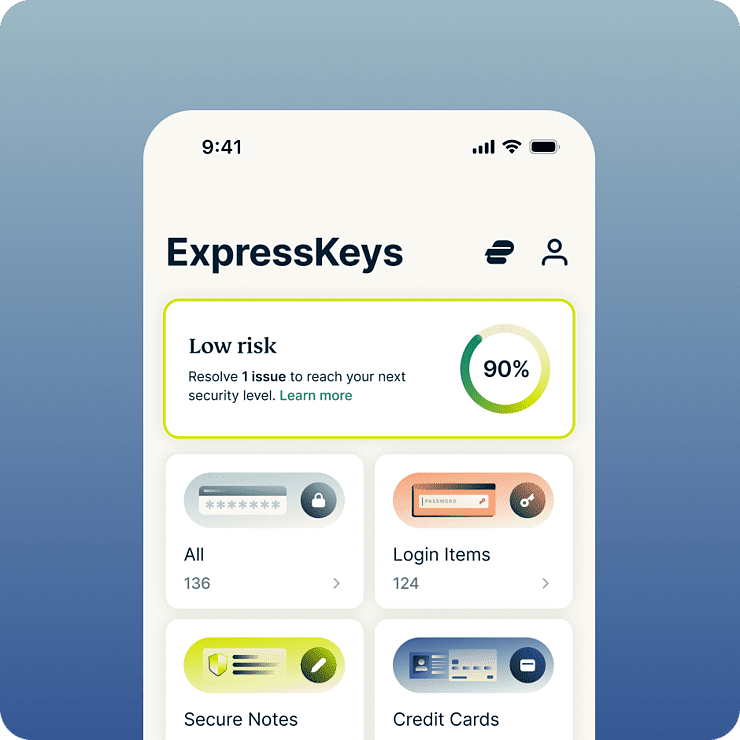
وفر الوقت والجهد كل يوم
خدمة ExpressKeys تبسط كل ما تفعله على الإنترنت تقريبًا — من تسجيل الدخول إلى حسابات مواقع التواصل الاجتماعي إلى التحقق من متاجرك المفضلة. مع التعبئة التلقائية وتسجيل الدخول بالبيانات الحيوية، وتسجيل الدخول والشراء بدون مجهود. ولأن كل شيء محفوظ في خزانتك المشفرة، استمتع براحة بال كاملة وأنت تعرف أنه لا أحد يمكنه الوصول إليها سواك.
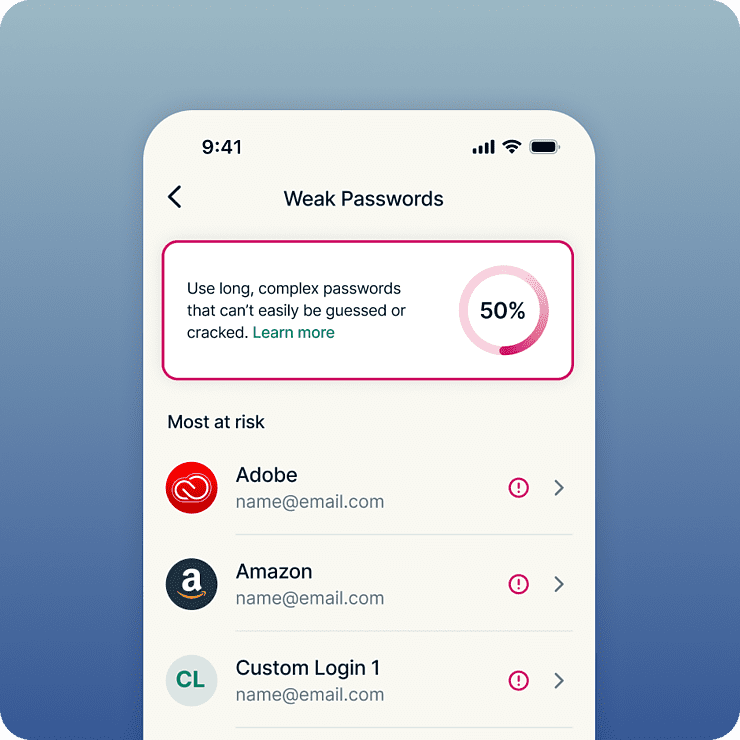
حماية أقوى على جميع حساباتك
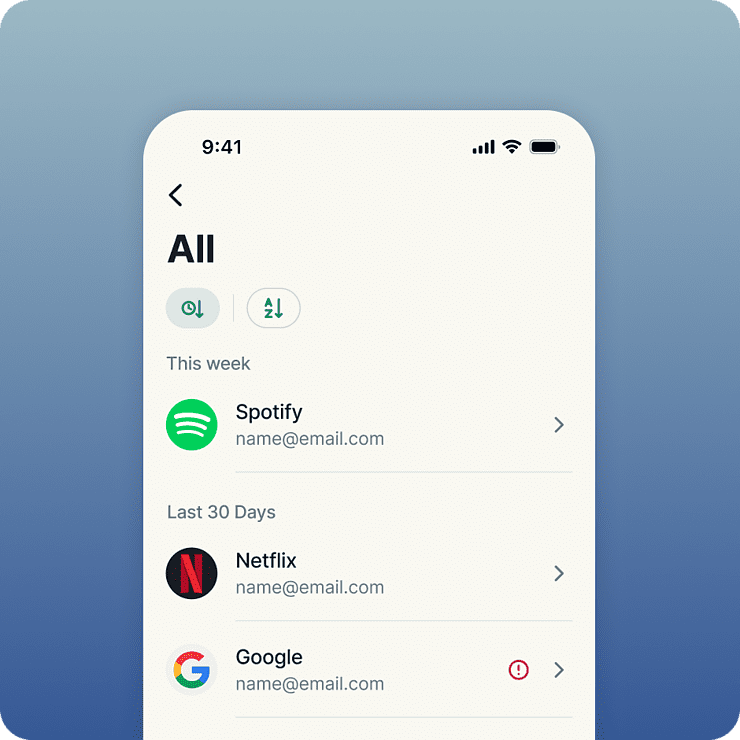
تبدأ الحماية القوية بكلمات مرور قوية. يرصد ExpressKeys كلمات المرور الضعيفة والمكررة، ما يجعل من السهل تغيير بيانات تسجيل الدخول الخطرة بأخرى قوية وفريدة. وبمجرد الحفظ، تكون كلمات المرور والمعلومات الأخرى الحساسة لديك محمية بتشفير AES بمفتاح 256-بت الذي تثق به البنوك. ولأن كل شيء محفوظ في خزانة مشفرة، ستحصل على راحة بال تامة وأنت تدرك أنك الوحيد القادر على الوصول إليها.
مصممة على يد خبراء الخصوصية والحماية
تأتي ExpressKeys من فريق الخصوصية والحماية من ExpressVPN. ستكون بياناتك محمية بمفاتيح تشفير تنشأ على جهازك — مما يعني أن خزانة كلمات المرور ستظل على جهازك، ولن تتركه. الرمز البرمجي للخزانة مكتوب بلغة Rust للمساعدة في منع استغلال نقاط ضعف الذاكرة، وتخضع للمراجعة المستقلة مرات عدّة لمزيد من الثقة والأمان.
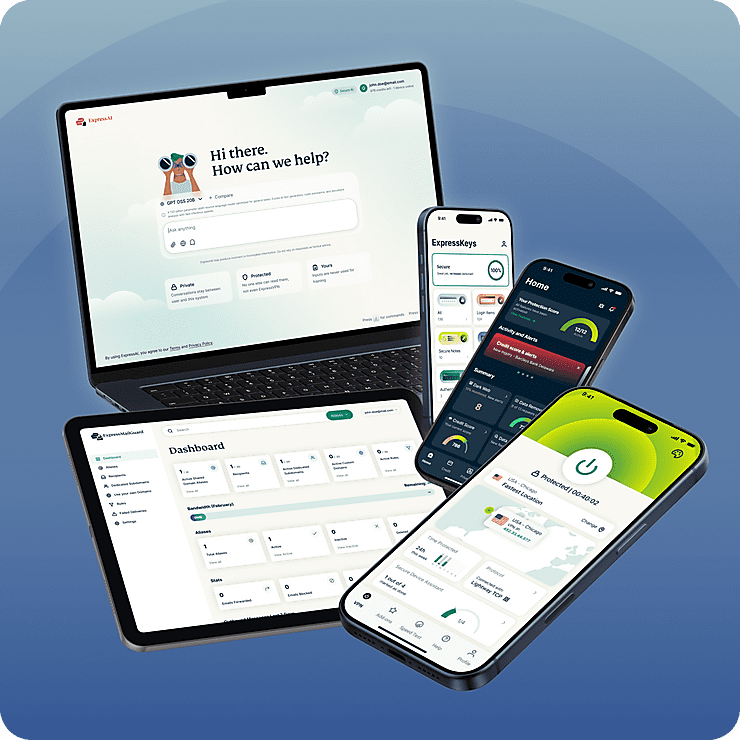
باقة واحدة لجميع احتياجات الخصوصية الرقمية
يعد ExpressKeys جزء من حزمة الخصوصية الرقمية الجديدة من ExpressVPN. احمِ الإنترنت بخدمة VPN الموثوقة لدينا وقم بترقية خصوصية صندوق الوارد مع ExpressMailGuard، كل ذلك باشتراك واحد. كل شيء يعمل بانسيابية مع الآخر، على جميع أجهزتك. مصمم لحماية حياتك الرقمية بأقل مجهود.
ميزات ذكية، بسيطة الاستخدام
شاهد كيف يبدو مدير كلمات المرور الذكي
-
شارك المعلومات الحساسة بأمان
شارك كلمات المرور والبطاقات والملاحظات وغيرها من المعلومات الحساسة مع الأصدقاء والعائلة والزملاء. قم بإنشاء روابط مشاركة آمنة، وتحكم في الوصول، وتجنب الكشف عن البيانات الحساسة في الرسائل الإلكترونية والرسائل النصية أو تطبيقات الدردشة.
-
Keep important files with your passwords
Attach documents, photos, videos, and other files to any vault item. From insurance policies and warranties to passport scans, everything stays secure and organized in one encrypted vault.
-
ارصد كلمات المرور الضعيفة قبل أن تصبح مشكلة
تعرف على كلمات المرور الضعيفة والمكررة والمكشوفة واحصل على إرشادات واضحة للبقاء متقدمًا على من يحاولون الاستيلاء على حساباتك. اعرف كلمات المرور التي تحتاج إلى الترقية وقم بإصلاحها بنقرات قليلة.
-
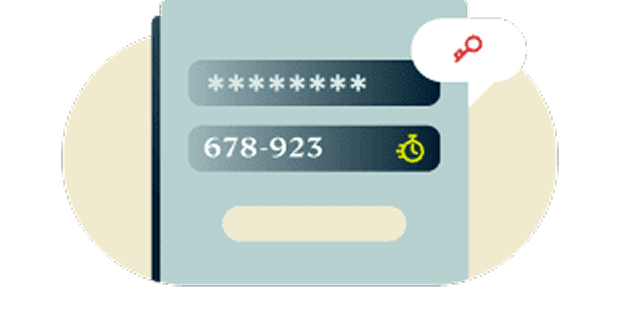
حماية بمصادقة ثنائية (2FA) مدمجة
أضف طبقة إضافية من الحماية لحساباتك بالمصادقة الثنائية (2FA) المدمجة. انسَ التنقل بين تطبيقات المصادقة المختلفة. يوفر ExpressKeys حلًا واحدًا موحدًا.
-
تشفير المعرفة الصفرية يجعلك مسيطرًا على الأمور
لا يمكن فك تشفير بياناتك إلا بخزانة كلمات المرور الخاصة بك، التي تعرفها وحدك، أو لا يمكن الوصول إليها إلا بالبيانات الحيوية، التي لا يملكها غيرك. بعبارة أخرى، ستكون العناصر المحفوظة آمنة جدًا وحتى نحن لن نتمكن من رؤيتها.
-

حماية متزامنة على أجهزتك المفضلة
ابقَ محميًا على كل جهاز تستخدمه. يمتلك ExpressKeys تطبيقات لأجهزة iOS وأندرويد، بالإضافة إلى إضافات متصفح لكروم وإيدج وبريف. استمتع بالوصول لبياناتك بسهولة وأمان أينما كنت.
ابدأ باستخدام ExpressKeys
نزل ExpressKeys وابدأ حماية حساباتك بخطوات قليلة وبسيطة
-
الخطوة 1
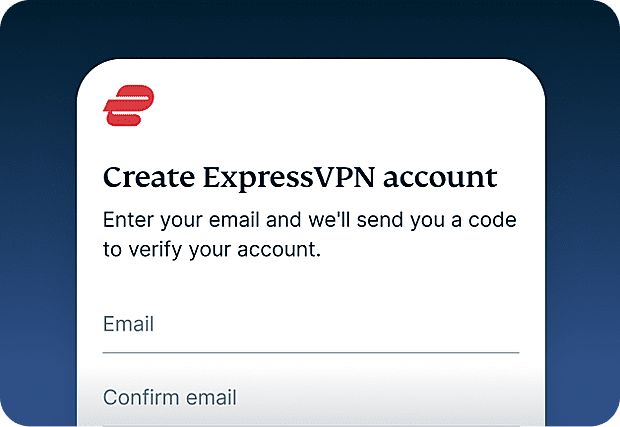
سجل لخدمة ExpressVPN
اشتراك ExpressVPN مطلوب حاليًا لاستخدام ExpressKeys. سجل لخدمة ExpressVPN وابدأ اليوم.
-
الخطوة 2
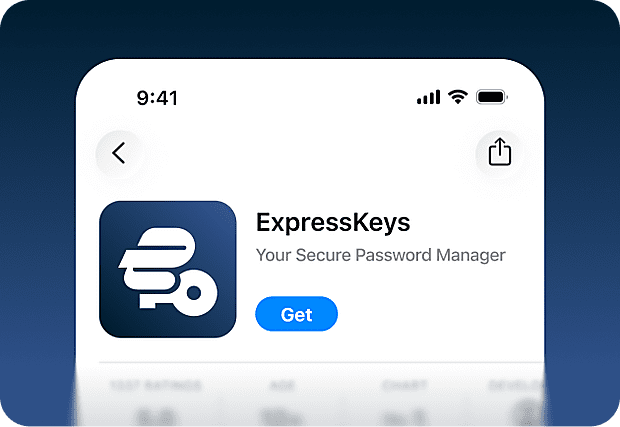
نزّل تطبيق ExpressKeys
نزل تطبيق ExpressKeys من متجر التطبيقات ومتجر جوجل بلاي. كما توجد إضافات لمتصفح كروم، وإيدج، وبريف يمكنك استخدامها على الأجهزة المكتبية.
-
الخطوة 3
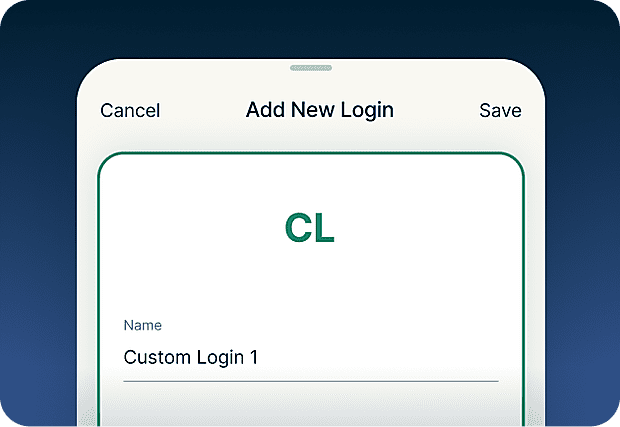
أضف أو استرد كلمات المرور
احفظ كلمات المرور والملاحظات وبيانات بطاقات الائتمان في خزانتك الآمنة. يمكنك أيضًا استخدام أداة الاستيراد لمزامنة البيانات مع الأدوات الأخرى بسهولة.
-
الخطوة 4
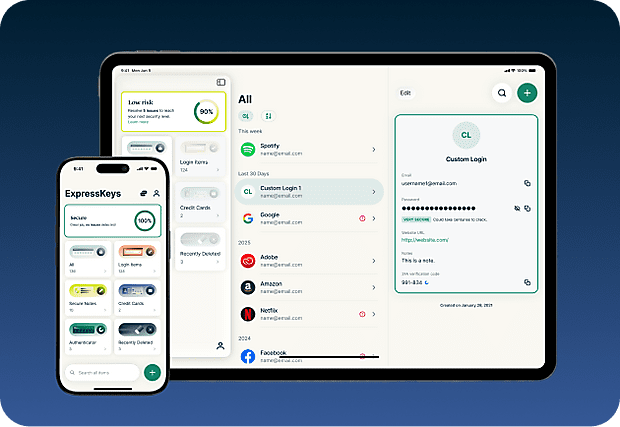
مزامنة آمنة مع أجهزتك
ثبت التطبيق على العديد من الأجهزة وستتزامن كلمات المرور المحفوظة والملاحظات وبيانات بطاقاتك تلقائيًا على جميع الأجهزة. استمتع بها أينما كنت!
نزل ExpressKeys على الهواتف المحمولة
قم بزيارة متجر التطبيقات أو بلاي ستور أو امسح الرمز بهاتفك للتنزيل.


الأسئلة الشائعة: عن ExpressKeys
اعرف المزيد عن ExpressKeysو قم بالتبديل بثقة
هل خدمة ExpressKeys مشمولة في اشتراك ExpressVPN؟
خدمة ExpressKeys مشمولة في الباقة المتقدمة والباقة الاحترافية من ExpressVPN. ستحتاج إلى اشتراك ExpressVPN نشط لإعداد الخدمة للمرة الأولى، لكن سيظل بإمكانك الوصول إلى بياناتك المحفوظة على ExpressKeys حتى إذا انتهت مدة اشتراك ExpressVPN الخاص بك.
ما مدى حماية ExpressKeys؟
خدمة ExpressKeys آمنة جدًا. سيتكون خزانتك مشفرة بمفاتيح تنشأ على جهازك، ولن تغادره كلمة مرور الخزانة أبدًا، وبذلك ستتمكن من الوصول إلى معلوماتك المحفوظة.
هل يمكنني استيراد كلمات المرور من برامج إدارة كلمات مرور أخرى؟
نعم. يمكنك استيراد كلمات المرور من برامج إدارة كلمات المرور المعروفة مثل LastPass، و1Password، وDashlane، وiCloud Keychain، ومعظم أدوات إدارة كلمات مرور المتصفحات. اتبع الدليل خطوة بخطوة لمدير كلمات المرور الحالي لديك.
هل تدعم ExpressKeys رموز المصادقة الثنائية (2FA)؟
نعم. بإمكان ExpressKeys إنشاء رموز مصادقة ثنائية (2FA) لحسابات مدعومة، حتى يمكنك إدارة كلمات المرور والمصادقة في مكان واحد.
ما هي مفاتيح المرور؟
مفاتيح المرور بديل عصري لكلمات المرور يمكنها المساعدة في الحماية من التصيد الاحتيالي وسرقة البيانات. بدلًا من تسجيل الدخول بكلمة المرور، يمكنك التحقق من هويتك باستخدام بصمة الإصبع، أو مسح الوجه، أو أي طريقة مصادقة أخرى. تتيح لك ExpressKeys إنشاء وتخزين وإدارة مفاتيح المرور إلى جانب كلمات المرور ف نفس الخزانة الآمنة.
Can I store documents and files in ExpressKeys?
Yes. You can attach documents, photos, videos, and other files to your vault items. You’ll get 5GB of attachment storage with an ExpressKeys standalone subscription or the Advanced plan and 10GB with Express Pro.
هل ينبغي استخدام متصفحي بمثابة مدير كلمات مرور؟
حفظ كلمات المرور في متصفحات مثل كروم وسفاري وفايرفوكس وأوبرا قد يكون سهلًا ومريحًا، لكن برامج إدارة كلمات المرور المخصصة تقدم عادةً ميزات حماية أقوى وسيطرة أكبر على كيفية حماية بياناتك.
هل يمنع ExpressKeys التصيد الاحتيالي؟
التعبئة التلقائية من ExpressKeys لا تعمل إلا عندما يطابق نطاق الموقع الإلكتروني ذلك المحفوظ في خزانتك. ويساعد ذلك في منع إدخال كلمات المرور على مواقع مزيفة أو مشابهة تحاول سرقة بيانات تسجيل الدخول.
How do I transfer my passwords from the old ExpressVPN Keys?
Download and install the ExpressKeys app. If you are signed into the ExpressVPN app and have used ExpressVPN Keys on your current device, you will be automatically signed into ExpressKeys. Unlock ExpressKeys and you will find all your existing logins, credit cards, and secure notes in the new app.
احصل على إصدار تجريبي مجاني بدون مخاطر من ExpressKeys كمستخدم جديد
ليس لديك اشتراك ExpressVPN بعد؟ سجل اليوم واستفد من ضمان استرداد المال لمدة 30 يوم بدون مخاطر. يمكنك الإلغاء في أي وقت خلال 30 يوم واسترد أموالك بالكامل.