ניהול סיסמאות ללא מאמץ
- אחסן סיסמאות, מפתחות גישה, כרטיסים והערות בכספת אחת מאובטחת
- שתף בנתונים בטוחים ופריטים רגישים אחרים עם אנשים שאתה סומך עליהם
- גש במהירות לחשבונותיך באמצעות מילוי אוטומטי וביומטריה
אחריות להחזר כספי ל-30 יום למשתמשים חדשים
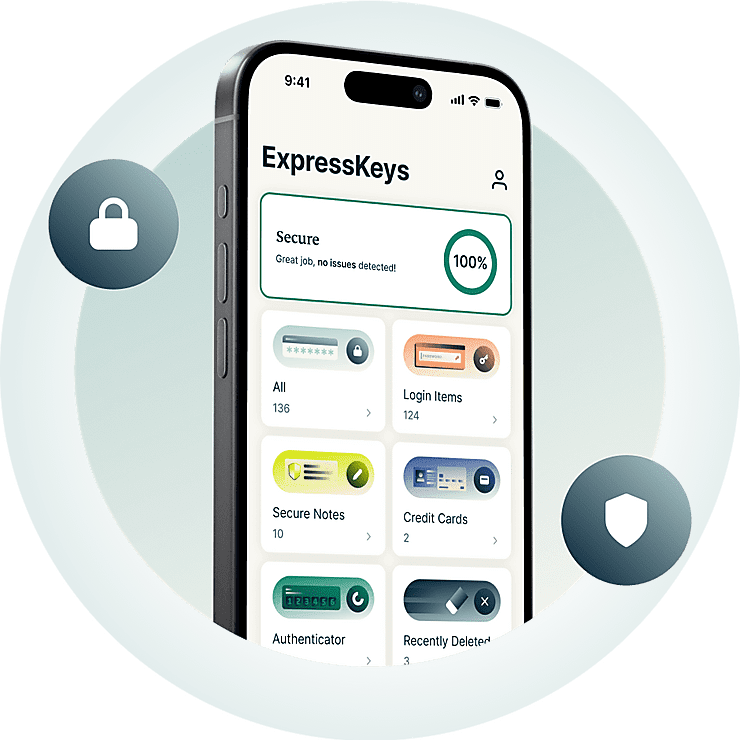





כל מה שאתם צריכים כדי לאבטח את החשבון שלכם
גלו איך ExpressKeys עוזר לכם ליצור, לאחסן, לשתף ולנהל סיסמאות.
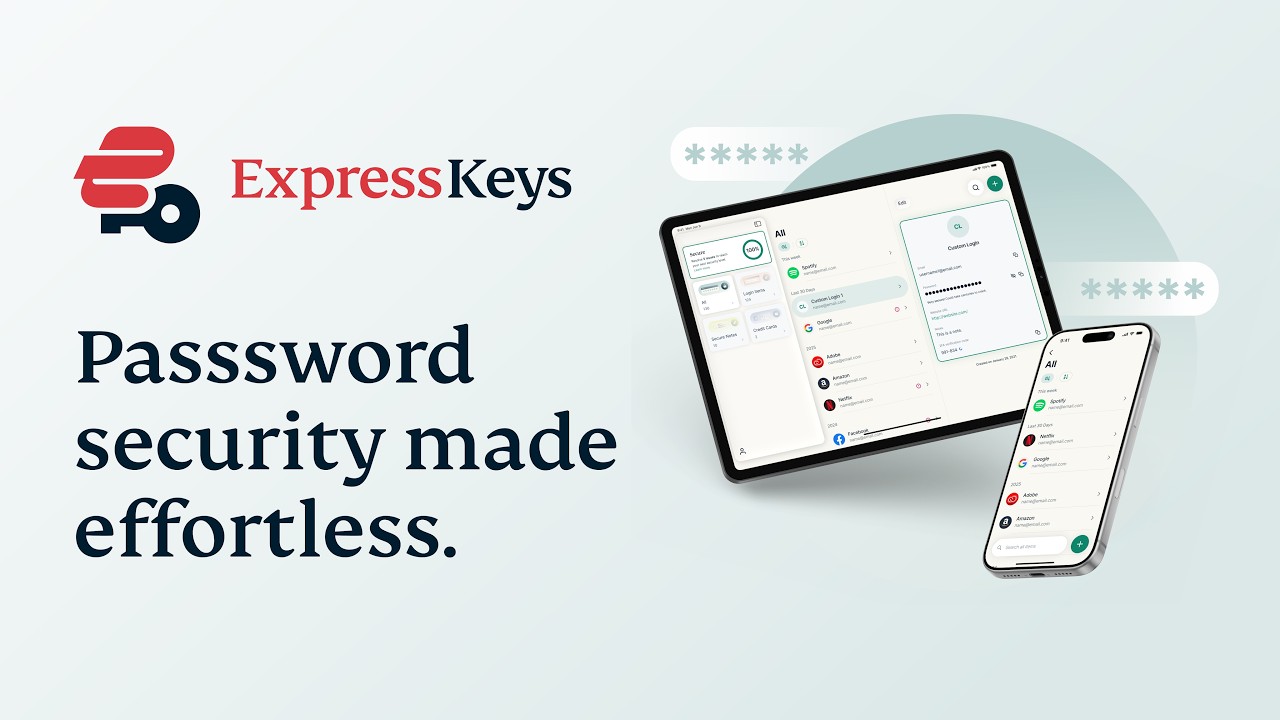
למה ExpressKeys?
שדרגו את אבטחת הסיסמאות שלכם. שדרגו את השקט הנפשי שלכם.
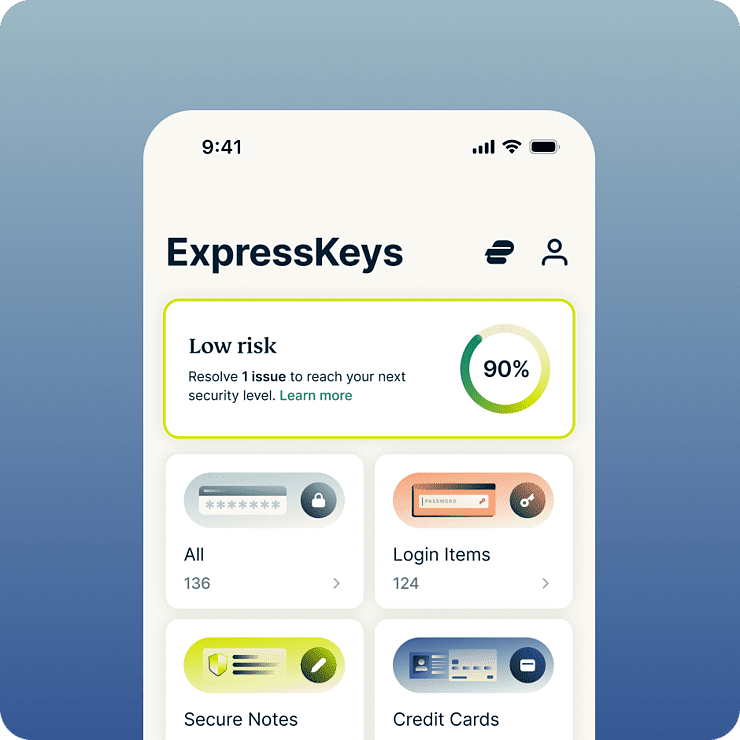
חסכו זמן ולחץ כל יום
ExpressKeys מייעל כמעט כל פעולה שאתם מבצעים ברשת — מהתחברות לרשתות חברתיות ועד לביצוע רכישות בחנויות האהובות עליכם. בעזרת מילוי אוטומטי והפעלה ביומטרית, התחברויות לאתרים וקניות הופכות לפעולות פשוטות וחסרות מאמץ. משום שהכל נשמר בכספת המוצפנת שלכם, תוכלו ליהנות משקט נפשי מוחלט בידיעה שרק לכם יש גישה אליה.
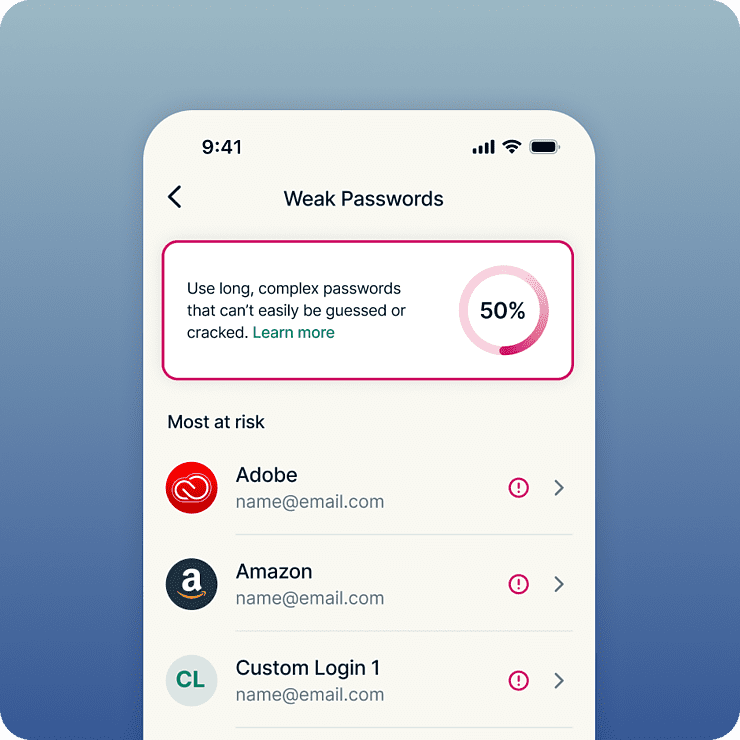
אבטחה חזקה יותר לכל החשבונות שלכם
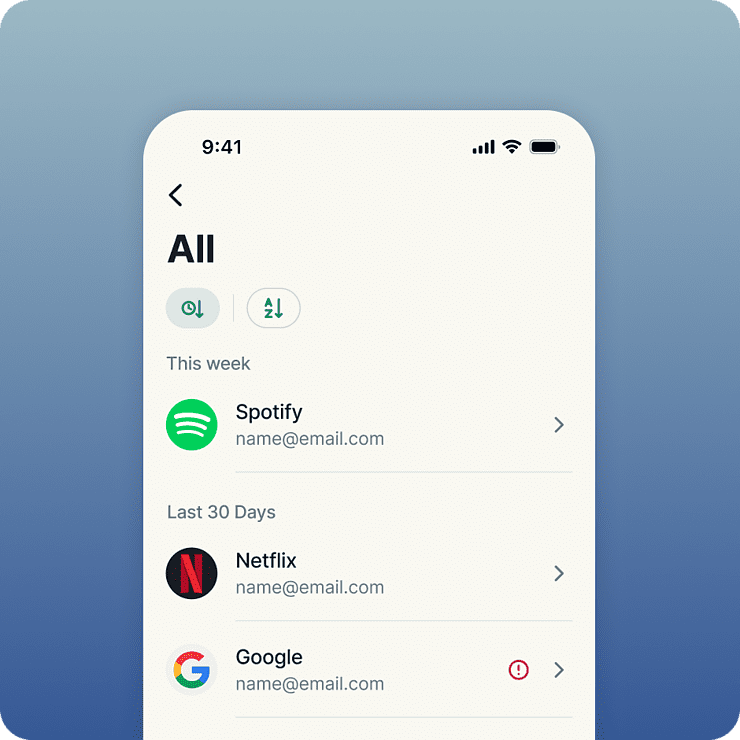
אבטחה חזקה מתחילה עם סיסמאות חזקות. ExpressKeys מסמן עבורכם סיסמאות חלשות או כאלה שנמצאות בשימוש חוזר, ומאפשר לכם להחליף בקלות פרטי התחברות בעייתיים בסיסמאות חזקות וייחודיות. לאחר שמירתן, הסיסמאות והמידע הרגיש שלכם מוגנים באמצעות תקן ההצפנה AES-256, המקובל בבנקים ומוסדות פיננסיים. ומשום שהכל שמור בתוך הכספת המוצפנת שלכם, אתם יכולים ליהנות מראש שקט בידיעה שרק לכם יש גישה אליה.
פותח על ידי מומחי פרטיות ואבטחה
ExpressKeys מגיע מבית צוות הפרטיות והאבטחה שעומד מאחורי ExpressVPN. הנתונים שלכם מוגנים באמצעות מפתחות הצפנה שנוצרים ישירות במכשיר שלכם — כלומר הסיסמה הראשית נשארת אצלכם ולעולם לא עוזבת. בסיס הקוד של הכספת כתוב בשפת Rust כדי לסייע במניעת ניצול פרצות מבוסס‑זיכרון, והוא עבר מספר ביקורות אבטחה עצמאיות כדי להעניק לכם ביטחון מקסימלי.
תוכנית אחת לכל צרכי הפרטיות הדיגיטליים שלכם
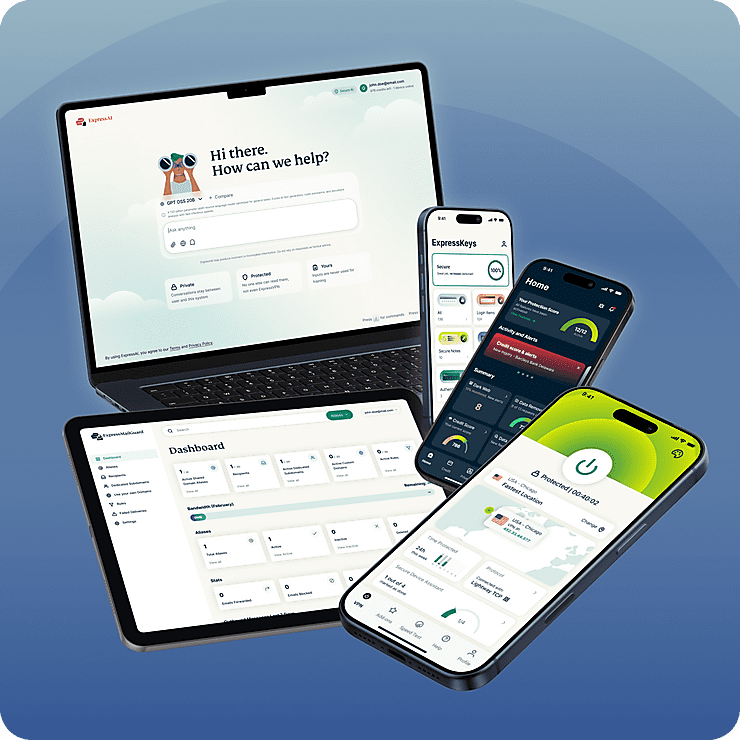
ExpressKeys הוא חלק מחבילת הפרטיות הדיגיטלית החדשה של ExpressVPN. הגנו על הגלישה שלכם באינטרנט באמצעות ה-VPN האמין שלנו, ושדרגו את פרטיות תיבת הדואר הנכנס שלכם עם ExpressMailGuard, הכל במנוי אחד, והכל עובד יחד בצורה חלקה בכל המכשירים שלכם. החבילה נועדה לאבטח יותר מהחיים הדיגיטליים שלכם בפחות מאמץ.
תכונות חכמות, נוחות לשימוש
גלו מה מנהל סיסמאות חכם יותר יכול
-
שתפו מידע רגיש בצורה מאובטחת
שתפו סיסמאות, כרטיסי אשראי, הערות ומידע רגיש אחר עם חברים, משפחה וקולגות. צרו קישורי שיתוף מאובטחים, שלטו בגישה, והימנעו מחשיפת מידע רגיש בהודעות דוא"ל, טקסט או באפליקציות צ'אט.
-
Keep important files with your passwords
Attach documents, photos, videos, and other files to any vault item. From insurance policies and warranties to passport scans, everything stays secure and organized in one encrypted vault.
-
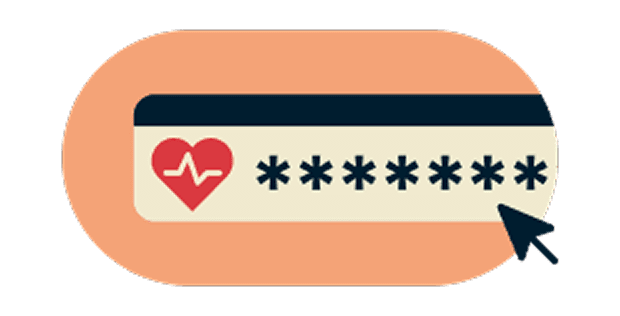
זהו סיסמאות חלשות לפני שהן הופכות לבעיה
סנכרון מאובטח בכל המכשירים האהובים עליכם
-
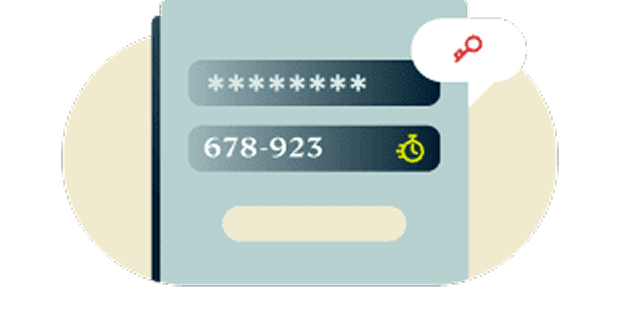
אימות דו-שלבי מובנה
הוסיפו שכבת הגנה נוספת לחשבונות שלכם באמצעות אימות דו-שלבי מובנה. שכחו מהצורך להחליף בין אפליקציות אימות שונות. ExpressKeys מציע לכם פתרון כולל.
-
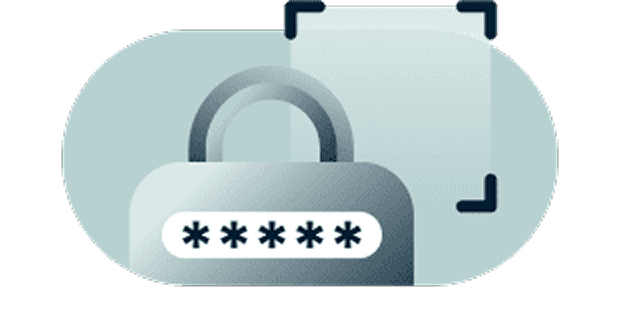
הצפנת אפס ידע מעניקה לכם את השליטה המלאה
את המידע שלכם ניתן לפענח רק באמצעות סיסמת הכספת שלכם, שרק אתם יודעים, או באמצעות זיהוי ביומטרי, ששייך רק לכם. במילים אחרות, הפריטים השמורים שלכם מוגנים בצורה כל כך מאובטחת, שאפילו אנחנו לא יכולים לראות אותם.
-
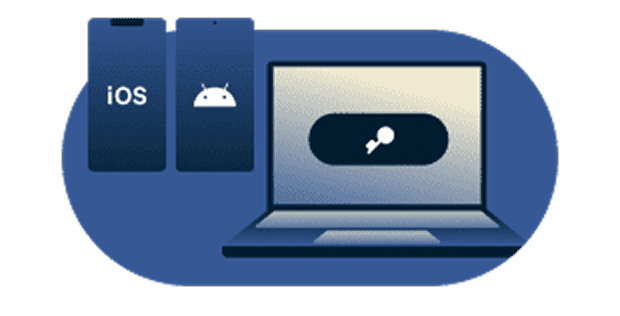
סנכרון מאובטח בכל המכשירים האהובים עליכם
הישארו מוגנים בכל מכשיר שבו אתם משתמשים. ל-ExpressKeys יש אפליקציות ייעודיות ל-iOS ולאנדרואיד, לצד תוספי דפדפן ל-Chrome, Edge ו-Brave. קבלו גישה קלה ומאובטחת לפרטי הזיהוי שלכם, בכל מקום שבו תהיו.
התחילו עם ExpressKeys
הורידו את ExpressKeys והתחילו להגן על החשבונות שלכם בכמה צעדים פשוטים
-
שלב 1
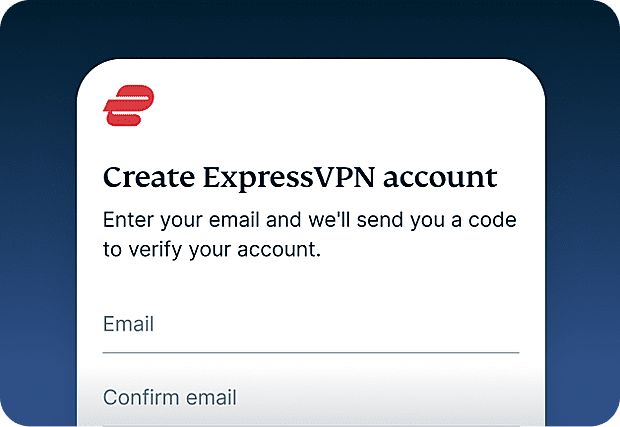
הירשמו ל- ExpressVPN
השימוש ב- ExpressKeys מחייב מנוי ל- ExpressVPN הירשמו ל- ExpressVPN והתחילו להשתמש בשירות עוד היום.
-
שלב 2
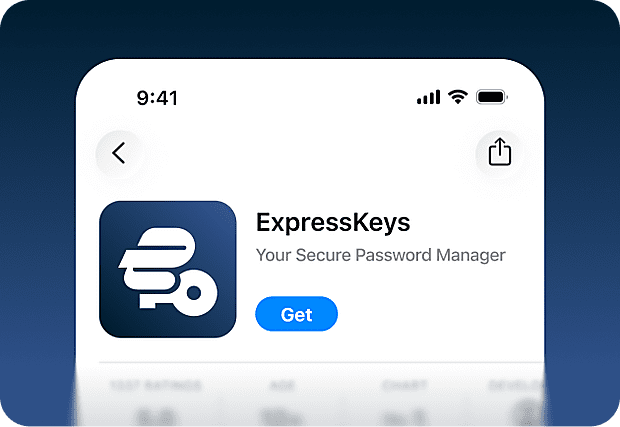
הורידו את אפליקציית ExpressKeys
הורידו את אפליקציית ExpressVPN מ-App Store ו-Google Play Store. קיימים גם תוספים לדפדפן Chrome, Edge ו-Brave הזמינים במחשב.
-
שלב 3
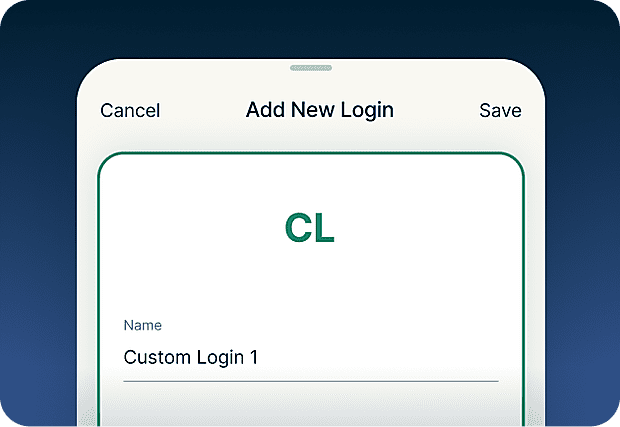
הוספת או ייבוא סיסמאות
שמרו סיסמאות, פתקים ופרטי כרטיס אשראי בכספת המאובטחת שלכם. תוכלו גם להשתמש בכלי הייבוא כדי לסנכרן בקלות פרטי התחברות שנוספו לכלים אחרים.
-
שלב 4
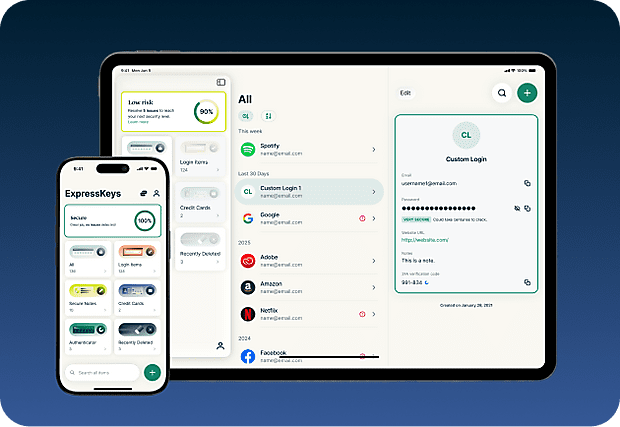
סנכרון מאובטח עם המכשירים שלכם
התקינו את האפליקציה במספר מכשירים שונים, והסיסמאות, הפתקים ופרטי כרטיס האשראי השמורים שלכם יסונכרנו אוטומטית בכולם. תיהנו מהשירות בכל מקום שבו תהיו!
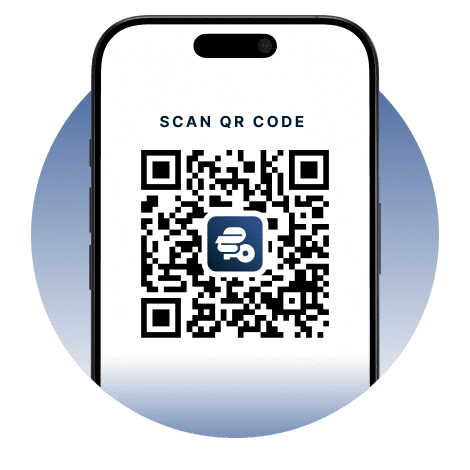
הורידו את ExpressKeys למכשירים ניידים
בקרו ב- App Store, Play Store או סרקו את הקוד עם הטלפון שלכם כדי להוריד.


שאלות נפוצות: אודות ExpressKeys
למדו עוד על ExpressKeys ועברו בראש שקט
האם ExpressKeys כלול במנוי שלי ל- ExpressVPN?
ExpressKeys כלול בתוכניות Advanced ו-Pro של ExpressVPN. כדי להשתמש בו, תזדקקו למנוי ExpressVPN פעיל.
עד כמה ExpressKeys מאובטח?
ExpressKeys מאובטח ביותר. הכספת שלכם מוצפנת באמצעות מפתחות שנוצרים ישירות במכשיר שלכם, והסיסמה הראשית שלכם לעולם לא עוזבת אותו, כך שרק אתם יכולים לגשת למידע השמור שלכם.
האם ניתן לייבא סיסמאות ממנהלי סיסמאות אחרים?
כן. ניתן לייבא סיסמאות ממנהלי סיסמאות פופולריים כמו LastPass, 1Password, Dashlane, iCloud Keychain ורוב מנהלי הסיסמאות המובנים בדפדפנים. עקבו אחר המדריך המפורט שלנו למנהל הסיסמאות הנוכחי שלכם.
האם ExpressKeys תומך בקוד אימות דו-שלבי?
כן. ExpressKeys יכול לייצר קודי אימות דו-שלבי עבור חשבונות נתמכים, כך שתוכלו לנהל את הסיסמאות ואת קוד האימות שלכם במקום אחד.
מהם מפתחות גישה?
מפתחות גישה הם חלופה מודרנית לסיסמאות, המסייעות בהגנה מפני פישינג וגניבת פרטי זיהוי. במקום להתחבר עם סיסמה, אתם מאמתים את הזהות שלכם עם טביעת אצבע, זיהוי פנים או שיטת אימות אחרת. ExpressKeys מאפשר לכם ליצור, לאחסן ולנהל מפתחות גישה לצד הסיסמאות שלכם, באותה כספת מאובטחת.
Can I store documents and files in ExpressKeys?
Yes. You can attach documents, photos, videos, and other files to your vault items. You’ll get 5GB of attachment storage with an ExpressKeys standalone subscription or the Advanced plan and 10GB with Express Pro.
האם כדאי להשתמש בדפדפן בתור מנהל הסיסמאות שלי?
שמירת הסיסמאות שלכם בדפדפנים כמו Chrome, Safari, Firefox ו-Opera היא אולי נוחה, אבל מנהלי סיסמאות ייעודיים מציעים בדרך כלל אבטחה חזקה יותר ושליטה רבה יותר בפרטי הזיהוי שלכם.
איך ExpressKeys מונע פישינג?
ExpressKeys ממלא באופן אוטומטי רק כאשר דומיין האתר תואם לזה השמור בכספת שלכם. הדבר מסייע למנוע הזנת סיסמאות באתרים מזויפים או מתחזים המנסים לגנוב את פרטי הזיהוי שלכם.
How do I transfer my passwords from the old ExpressVPN Keys?
Download and install the ExpressKeys app. If you are signed into the ExpressVPN app and have used ExpressVPN Keys on your current device, you will be automatically signed into ExpressKeys. Unlock ExpressKeys and you will find all your existing logins, credit cards, and secure notes in the new app.
קבלו תקופת ניסיון ללא סיכון כמשתמשים חדשים
עדיין אין לכם ExpressVPN? הירשמו היום ותיהנו מההתחייבות שלנו להחזר כספי תוך 30 יום ללא סיכון. תוכלו לבטל בכל עת תוך 30 יום ולקבל החזר כספי מלא.