ExpressVPN’s Apple TV app just got easier to use


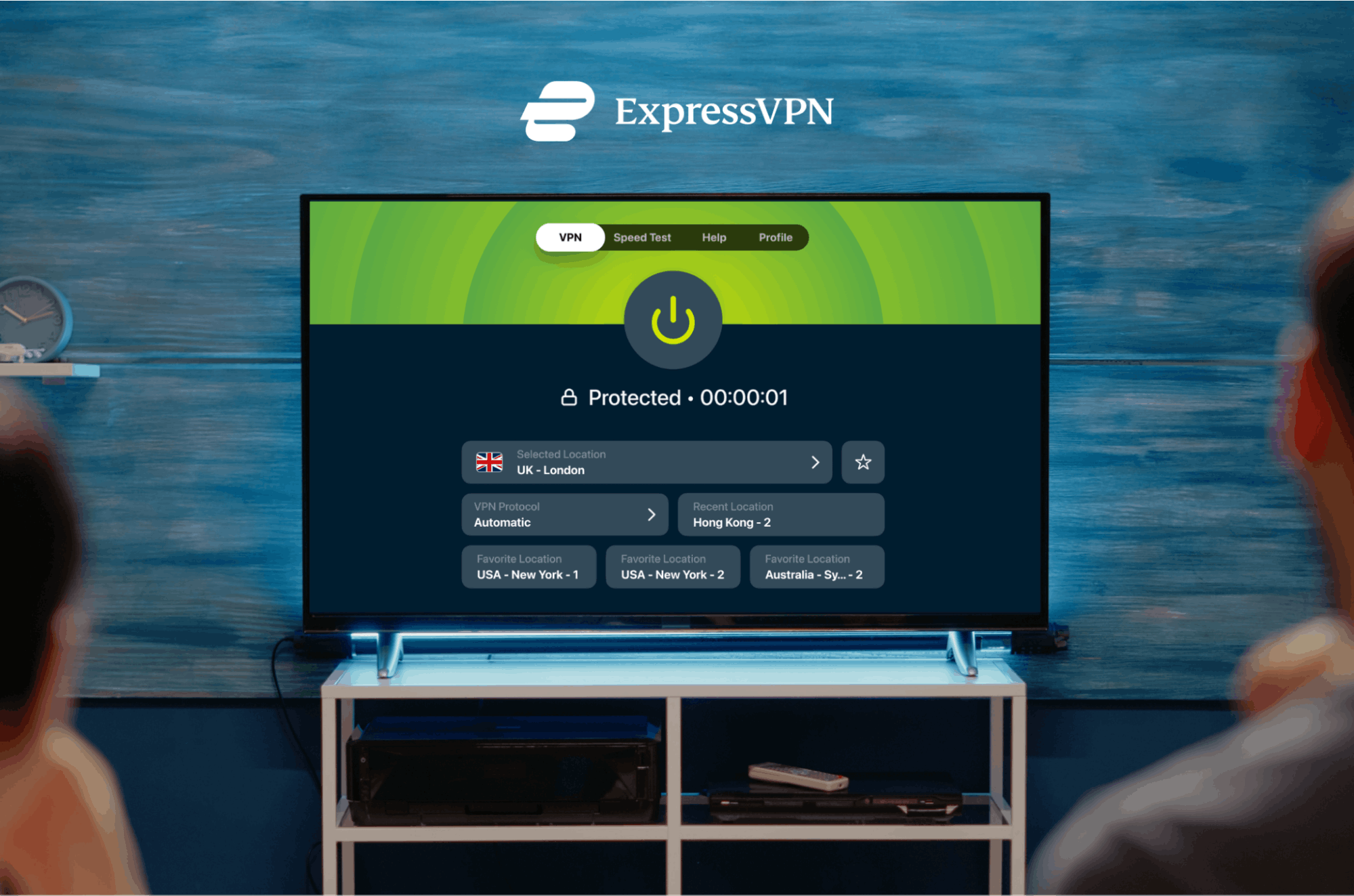
A redesigned home screen with favourite locations within easy reach, more VPN protocol options, and a built-in speed test. All live now.
Using a VPN on a TV should feel simple. You want to connect quickly, switch locations easily, and get back to what you were watching without digging through menus or typing with a remote.
That’s the focus of the latest update to ExpressVPN’s Apple TV app.
The updated app, available now on the App Store, brings four meaningful changes: a redesigned home screen, favourite locations on the home screen, three additional VPN protocol options, and a built-in speed test. Together, they make the experience noticeably smoother and more flexible to use day-to-day.
A redesigned home screen
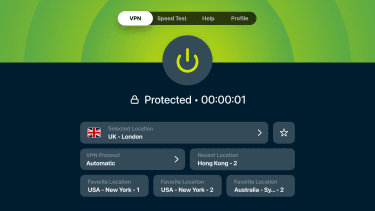
The home screen has been rebuilt around the things people use most often. The connection toggle, the selected location, the current protocol, your most recent location, and your favourite locations now all sit on a single screen, designed around how people navigate with a TV remote. The visual hierarchy mirrors the iOS app, which keeps the experience consistent across devices.
Favourite locations, now on the home screen
If you regularly connect to the same handful of locations, you can save these as favourites. Those favourites will now appear directly on the home screen as quick-access tiles. One click connects you, with no scrolling through the full server list and no typing on the on-screen keyboard.
Favourites themselves aren’t new, but having them on the home screen is. Instead of having to navigate to the Locations menu to use it, they're one of the first things you see when you open the app.
Three new VPN protocols options
The Apple TV app previously offered Lightway and an automatic protocol setting. This update adds WireGuard and OpenVPN (both UDP and TCP variants), giving you more flexibility over how you connect.
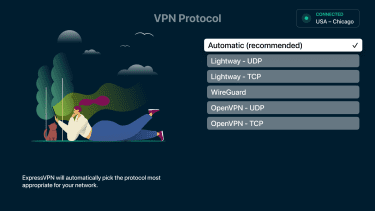
Most people will be perfectly served by the Automatic protocol selection, which remains ExpressVPN’s recommended default and is generally the best option. The additional protocols matter for users who prefer manual control, who are troubleshooting a specific network, or who simply have a preference for one protocol over another.
A built-in speed test
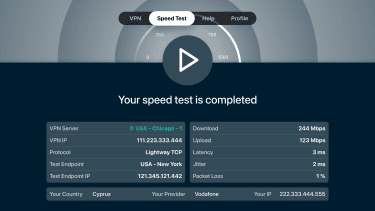
The Apple TV app now includes a speed test that benchmarks server performance directly from the device. It's useful when a specific location is acting up, when a connection feels slower than it should, or when you want a quick read on whether a different server might perform better—without leaving the app.
Available now
The updated app is live on the App Store today. To get it, open the App Store on your Apple TV, find ExpressVPN, and tap Update. Everything is included with your existing subscription, with nothing to set up beyond the update itself.