Parental controls with VPN: Block explicit content
ExpressVPN's apps include a built-in adult-site blocker with every subscription to protect your children from harmful content.
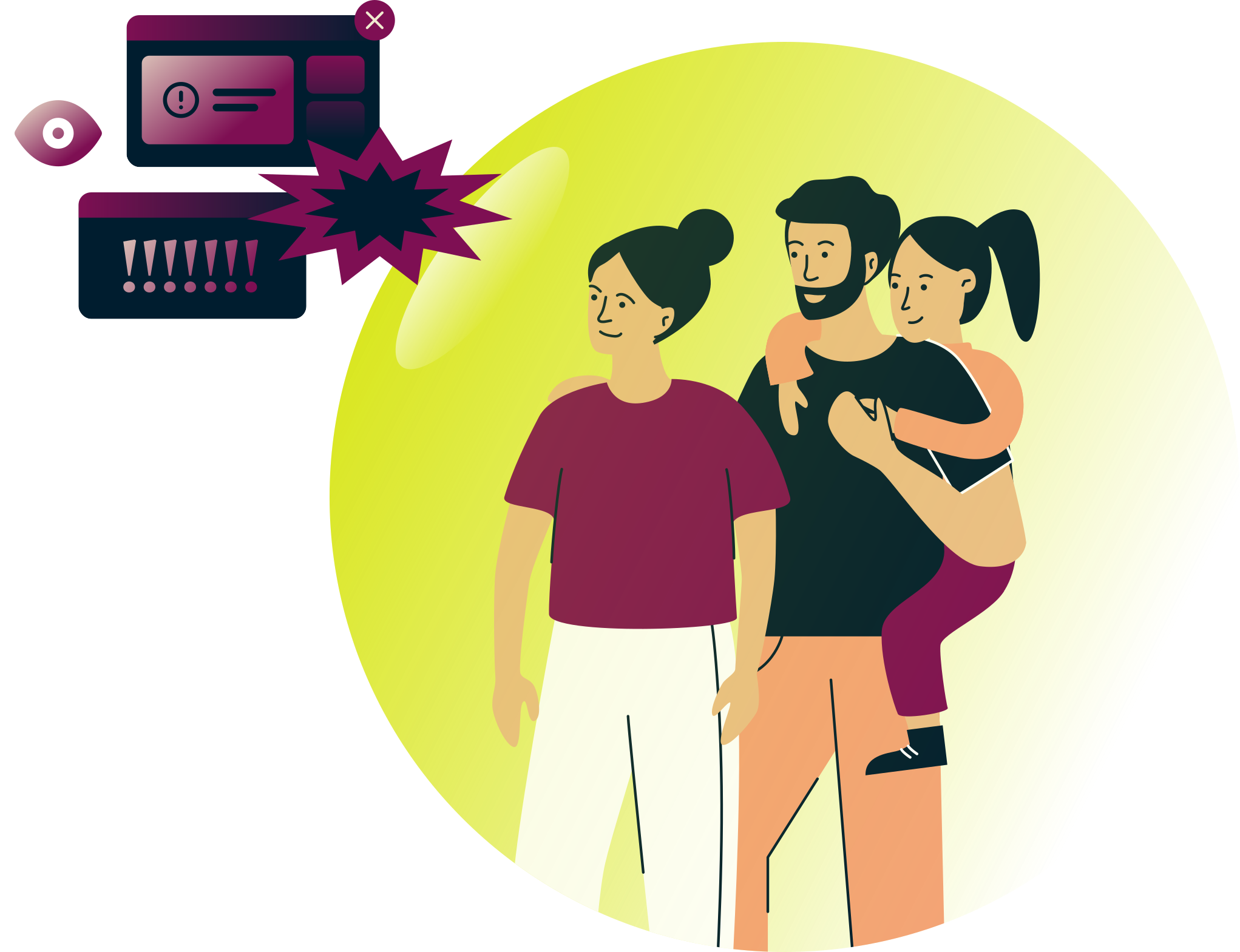
Greater control of your family’s internet

Content filtering is one aspect of parental controls on children’s devices, allowing parents to restrict access to age-inappropriate content, including explicit material. ExpressVPN’s adult-site blocker is a tool to prevent your family from seeing explicit content on porn sites. When you enable the feature, sites on our blocklist will not load.

How to turn the adult-site blocker on and off
It's easy to turn on your adult-site blocker within ExpressVPN's apps for Windows, iOS, Mac, Android, and Linux.
How does ExpressVPN’s adult-site blocker work?
Toggle on the adult-site blocker in the ExpressVPN app settings. The feature works with the Lightway, WireGuard, OpenVPN, and Automatic protocol options.
The adult-site blocker is available in the ExpressVPN apps for Windows, Mac, Linux, iOS, Android, Apple TV, Fire TV Stick, and Meta Quest. The VPN must be turned on for the feature to block access to adult sites on our blocklist.
What sites are blocked?
Our adult-site blocklist is compiled from publicly available and open-source lists of sites. We regularly review and update these blocklists.
FAQ
Is the adult-site blocker free?
Yes. The adult-site blocker is included with every ExpressVPN plan, but you need an active subscription to use it. You can enable it directly in the app settings.
How can I block adult sites on my phone?
ExpressVPN’s adult-site blocker lets you block access to adult sites directly from the ExpressVPN app. Turn the feature on in your app settings, then connect to the VPN to block explicit content from loading on your device.