VPN ad blocker: Browse safely without ads with ExpressVPN
Block ads and distractions with ExpressVPN's built-in ad blocker
- Browse faster and use less data by blocking ads before they load
- Prevent new ad domains from sneaking through with weekly blocklist updates
- Block ads in one tap without browser extensions or manual setup
30-DAY MONEY-BACK GUARANTEE FOR FIRST-TIME USERS

Why use a VPN to block ads?
Protect your privacy and browse without intrusions
-
![Deter advertisers from profiling your online behavior Ads don’t just sell products; they also collect your data. Advertisers track your clicks, s...]()
Deter advertisers from profiling your online behavior
Ads don’t just sell products; they also collect your data. Advertisers track your clicks, searches, and browsing habits to build detailed profiles. A VPN masks your IP address and encrypts your traffic, making it harder for advertisers to link your online activity to your identity.
-
![Defend against malicious ads and phishing links Not all ads are harmless. Some contain malware or redirect you to phishing sites designed to steal ...]()
Defend against malicious ads and phishing links
Not all ads are harmless. Some contain malware or redirect you to phishing sites designed to steal personal information. Alongside our ad blocker, ExpressVPN's security features include a separate malicious site blocker that stops known dangerous sites from loading.
-
![Browse faster by blocking bandwidth-hogging ads Ads slow down your browsing. Video ads, banners, and tracking scripts consume bandwidth and delay p...]()
Browse faster by blocking bandwidth-hogging ads
Ads slow down your browsing. Video ads, banners, and tracking scripts consume bandwidth and delay page loads. A VPN with ad blocking stops these elements before they reach your device, reducing load times and data usage for faster browsing across all your devices.

What's covered by ExpressVPN's ad blocker?
Faster, safer browsing with ad blocking that protects your apps and devices
-
![Blocks display ads and pop-ups ExpressVPN's ad blocker stops ads from domains on our blocklist from loading on your device. Fewer ads can mean fast...]()
Blocks display ads and pop-ups
ExpressVPN's ad blocker stops ads from domains on our blocklist from loading on your device. Fewer ads can mean faster page loads, less data usage, and a cleaner browsing experience across apps and browsers without the need for separate extensions.
-
![Ad blocking that stays up to date We regularly update our blocklist of domains that serve ads. These updates happen automatically, so you don't nee...]()
Ad blocking that stays up to date
We regularly update our blocklist of domains that serve ads. These updates happen automatically, so you don't need to change any settings.
-
![Works across apps and browsers on supported devices ExpressVPN's ad blocker filters connections to ad domains across apps and browsers on supported...]()
Works across apps and browsers on supported devices
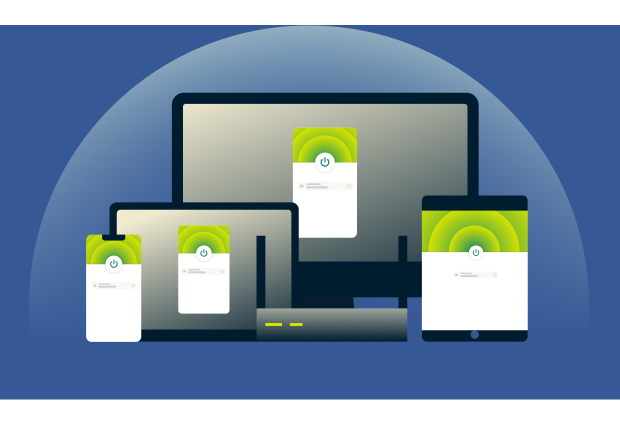
ExpressVPN's ad blocker filters connections to ad domains across apps and browsers on supported devices. You can connect up to 14 devices simultaneously, depending on your subscription.
How to turn on ExpressVPN's ad blocker
Activate powerful VPN ad blocking in just a few taps
-
![Toggle it on in your app settings Open the ExpressVPN app on desktop or mobile, navigate to Add-ons > Advanced Protection, and toggle on the ad blo...]()
Toggle it on in your app settings
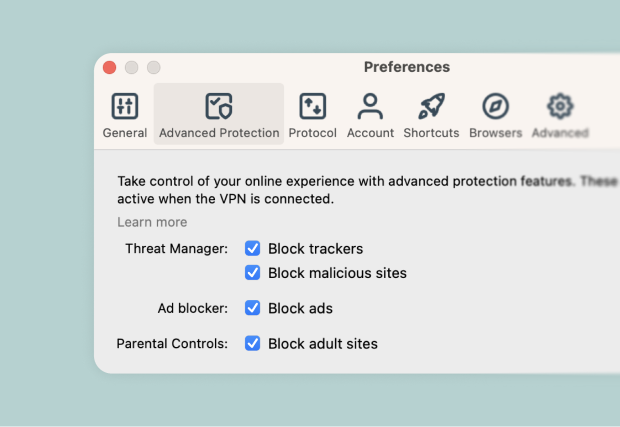
Open the ExpressVPN app on desktop or mobile, navigate to Add-ons > Advanced Protection, and toggle on the ad blocker. Make sure you’re using the Automatic, Lightway, WireGuard, or OpenVPN protocol options.
-
![No browser extension needed ExpressVPN's ad blocker is built directly into the VPN app. There are no separate browser extensions to install, update...]()
No browser extension needed
ExpressVPN's ad blocker is built directly into the VPN app. There are no separate browser extensions to install, update, or manage.
-
![Instant protection on all supported devices Enable ad blocking in the ExpressVPN app on each supported device you use. Turning it on for your compu...]()
Instant protection on all supported devices
Enable ad blocking in the ExpressVPN app on each supported device you use. Turning it on for your computer won't automatically enable it on your phone or tablet.
What you need to activate the ad blocker
Everything you need to start blocking ads with ExpressVPN
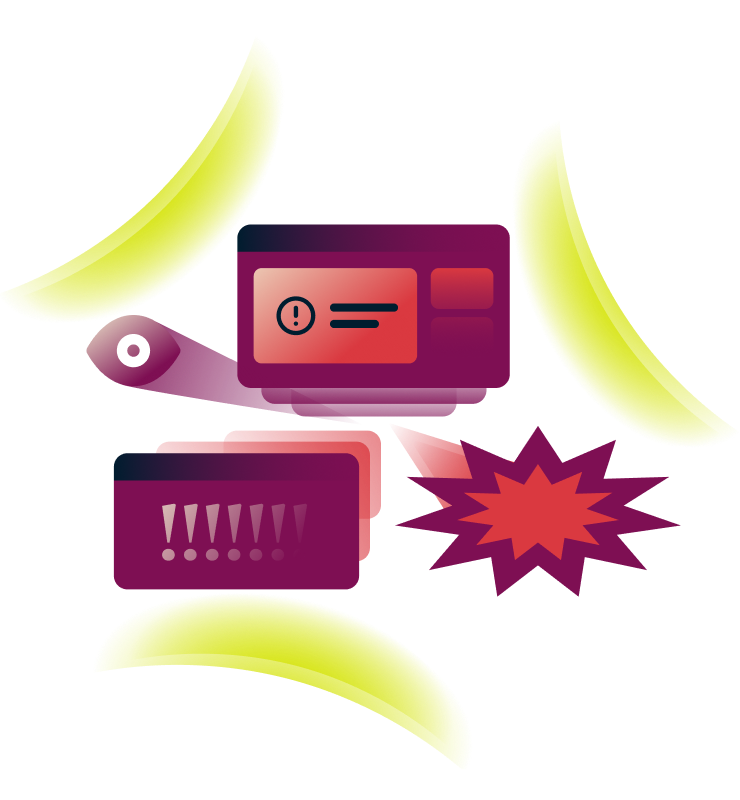
An active VPN subscription and the right protocol
Ad blocking works with WireGuard, OpenVPN, ExpressVPN’s Lightway protocol, and Automatic mode.
Turn on the ad blocker and connect to the VPN. Your VPN connection encrypts your traffic, while the ad blocker stops ads from domains on our blocklist from loading.
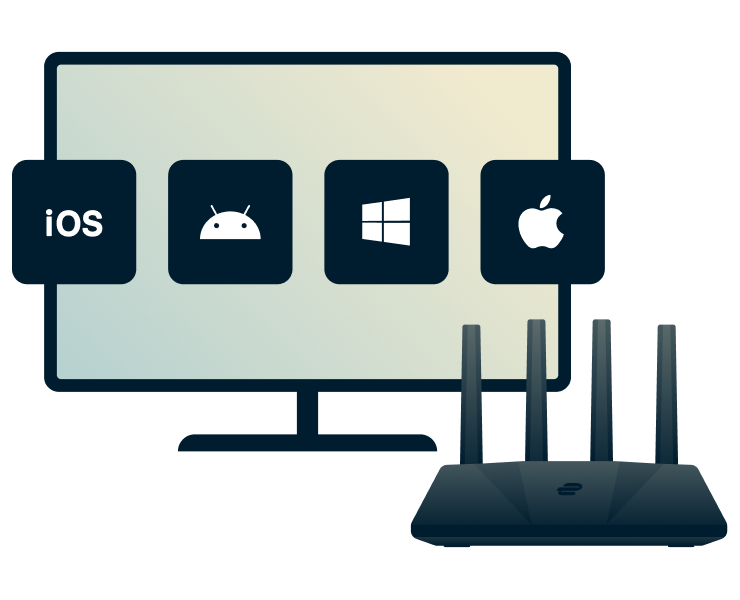
ExpressVPN apps for desktop, mobile, and more
ExpressVPN's ad blocker is available in our apps for iOS, Android, Mac, Windows, Linux, Apple TV, Fire TV, and Meta Quest.
You can use the ad blocker on Wi-Fi or mobile data. Keep the VPN connected for ad blocking to work.
ExpressVPN vs. browser ad blockers
VPN ad blocking that goes beyond your browser
-
![Protects all traffic, not just browser use Browser extensions block ads within the browser where you install them. ExpressVPN's ad blocker also wor...]()
Protects all traffic, not just browser use
Browser extensions block ads within the browser where you install them. ExpressVPN's ad blocker also works in other apps on supported devices, blocking ads that load from domains on our blocklist.
-
![No third-party extensions or manual filters No extra software to install. No filter lists to manage. ExpressVPN's ad blocker is built in and update...]()
No third-party extensions or manual filters
No extra software to install. No filter lists to manage. ExpressVPN's ad blocker is built in and updates automatically. Just toggle it on, and it will work quietly in the background as long as your VPN is on.
-
![Works on all major operating systems This feature blocks ads across apps and browsers on supported devices while the VPN is connected. Turn on the ...]()
Works on all major operating systems
This feature blocks ads across apps and browsers on supported devices while the VPN is connected. Turn on the ad blocker in the ExpressVPN app on each device you want to use it on.

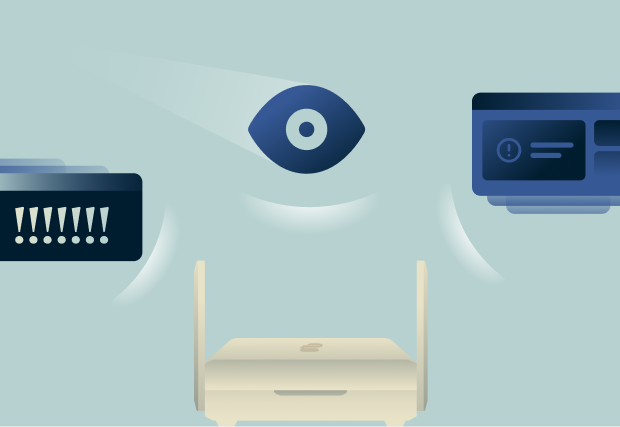
| Browser extension | ExpressVPN Ad Blocker | |
|---|---|---|
| Blocks browser ads | ✔ | ✔ |
| Blocks ads in apps | ✘ | ✔ |
| One-tap setup | ✘ | ✔ |
| Automatic setup | ✘ | ✔ |
| No third-party tracking | ✘ | ✔ |
| Encrypts all traffic | ✘ | ✔ |
Built-in trust and performance
Secure, fast, and reliable protection across all your devices
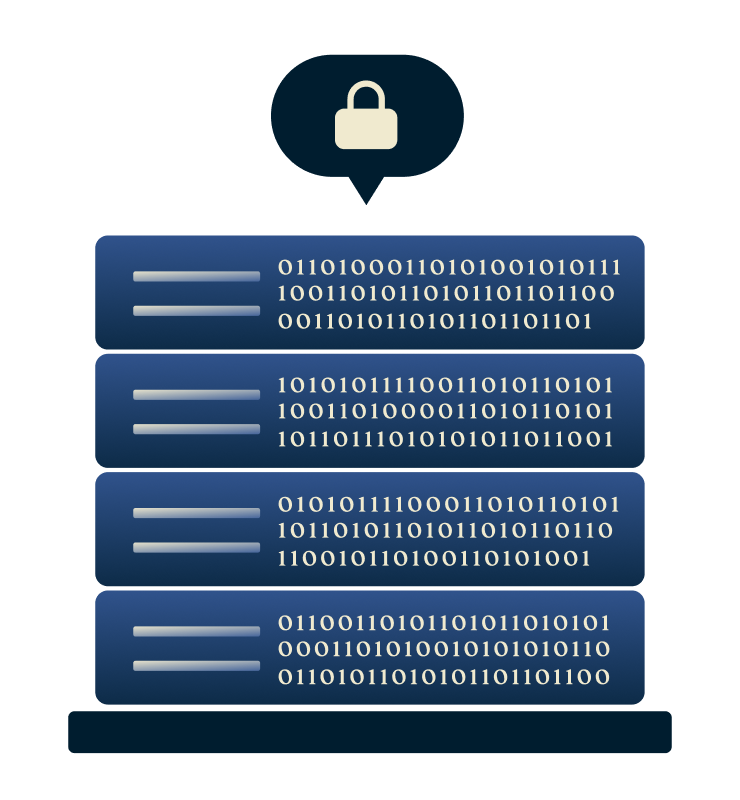
TrustedServer RAM-only technology and audited no-logs policy
ExpressVPN follows a strict no-logs policy, protecting your activity and connection data from being recorded or stored. Our TrustedServer technology runs on RAM-only servers, automatically wiping all server data with every reboot.
Independent audits by firms including KPMG and PwC have assessed our compliance with our no-logs policy. We do not collect activity logs or connection logs.

Lightway protocol=Speed and stability
No matter where life takes you, ExpressVPN keeps you connected with high-speed VPN servers across 113 countries worldwide.
Paired with the Lightway protocol, you get fast speeds without draining your battery. Lightway is also light on data usage and performs reliably, even when switching between Wi-Fi and mobile networks.
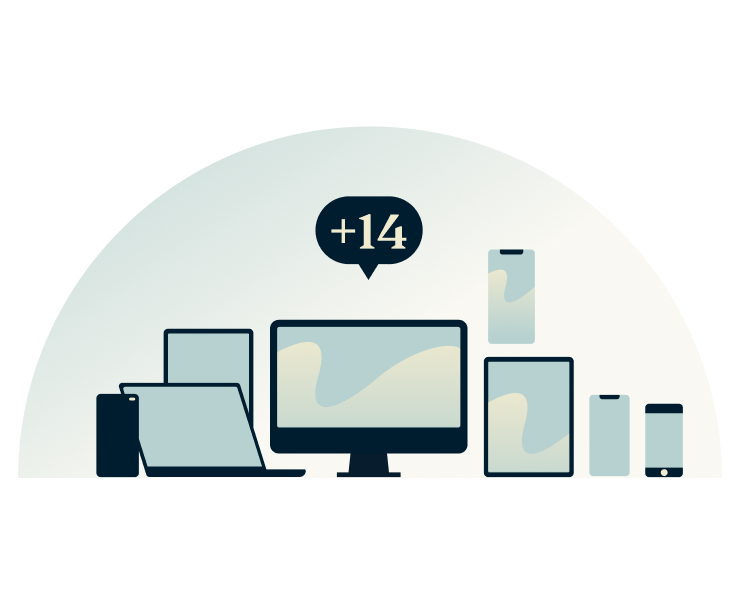
One subscription for all your devices
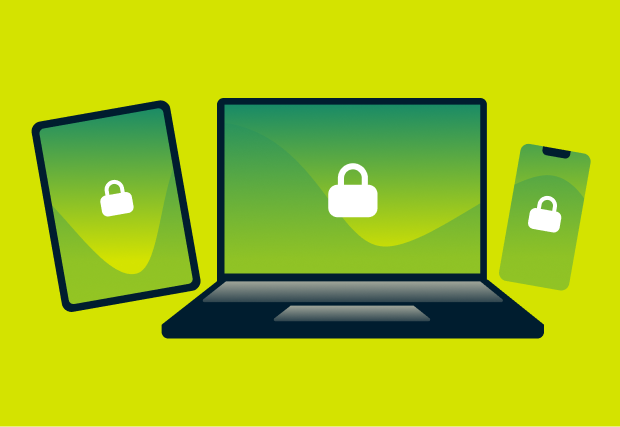
With one ExpressVPN subscription, you can protect up to 14 devices at once, depending on your subscription tier. Simple to set up, our apps protect your phone, tablet, and computer. No tech skills needed.
ExpressVPN uses strong VPN encryption to protect traffic between your device and our servers, making it harder for others to read your data on unsecured Wi-Fi networks.
Start blocking ads with ExpressVPN
Efficient, private, simple, and backed by a 30-day money-back guarantee
-
![30-day money-back guarantee First-time customers can try ExpressVPN risk-free with our 30-day money-back guarantee*. If it doesn’t meet your need...]()
30-day money-back guarantee
First-time customers can try ExpressVPN risk-free with our 30-day money-back guarantee*. If it doesn’t meet your needs, contact our support team to request a full refund.
-
![Setup takes under 5 minutes Getting started with ExpressVPN is quick and easy. Download the app for your device, turn on the ad blocker, and connec...]()
Setup takes under 5 minutes
Getting started with ExpressVPN is quick and easy. Download the app for your device, turn on the ad blocker, and connect to your chosen VPN server location.
-
![Try it risk-free today Whether you’re new to VPNs or a seasoned user, ExpressVPN’s 24/7 support team is ready to help via live chat or email.]()
Try it risk-free today
Whether you’re new to VPNs or a seasoned user, ExpressVPN’s 24/7 support team is ready to help via live chat or email.


*Users who purchased their subscriptions through the Apple App Store (iTunes) or the Google Play Store do not have access to the ExpressVPN 30-day money-back guarantee. Instead, users can request refunds through the App Store or Play Store, at Apple’s or Google’s discretion.
What people are saying about ExpressVPN
Discover why ExpressVPN’s satisfied customers keep coming back
I have ExpressVPN on all my devices - phone, laptop, tablet, AppleTV, etc., and absolutely love it.


* A sample of reviews from our most satisfied customers
Got an account with @expressvpn yesterday. Great decision for traveling out of the country!
@D_Geiger

* A sample of reviews from our most satisfied customers
With its consistent performance and reliable security, ExpressVPN is the best VPN out there.

* We sometimes pay expert sites for customer referrals
FAQ
Discover the answers to your most common questions about a VPN ad blocker
Is ExpressVPN’s ad blocker free?
ExpressVPN's ad blocker is included with every ExpressVPN subscription. Simply toggle it on in your app settings, and you'll immediately start blocking display ads, popups, and tracking scripts.
Why am I still seeing some ads?
ExpressVPN blocks display ads and trackers from our blocklists, but some ads slip through. First-party ads (served by websites like YouTube) and video/audio ads use different delivery methods we can't block. Our blocklists update weekly, and you can report missed ads to our Support Team.
Will it slow down my connection?
ExpressVPN's ad blocker won't slow you down further. While VPNs may slightly reduce speeds due to encryption, blocking ads can help offset this by reducing the number of scripts, images, and trackers your device needs to load, resulting in faster page loads on ad-heavy sites.
Can it block YouTube ads?
No. ExpressVPN’s ad blocker only blocks most display ads on websites and apps. Video and audio ads on platforms like YouTube are not blocked.
Is it better than browser ad blockers?
Yes! ExpressVPN’s ad blocker works at the network or device level, protecting all internet traffic, not just browser activity. It doesn’t require third-party extensions or manual filters and also blocks ads in apps, giving broader coverage than typical browser-only ad blockers.
Is ad blocking legal?
Yes. Using an ad blocker is legal in most countries. It simply prevents ads and the trackers they carry from loading on your device and does not violate laws.
How do I test if it’s working?
Simply enable the ExpressVPN ad blocker and start browsing websites that usually have many ads. If the blocker is working, display ads should appear as blank spaces on the page. You can also check blocked requests in your app.
Will it work on smart TVs or consoles?
ExpressVPN's ad blocker works on Windows, Mac, iOS, and Android when you use the Automatic, Lightway, WireGuard, or OpenVPN protocol setting. On Apple TV, it only works with Automatic or Lightway.
Do VPNs block ads?
Not all VPNs block ads, but ExpressVPN does. Our built-in ad blocker uses DNS filtering to block display ads, popups, and tracking scripts across all your apps and devices. Simply toggle it on in your app settings.