Block harmful websites, even when your VPN is off
ExpressVPN Web Protection helps block known malicious, phishing, and scam websites through the ExpressVPN browser extension
- Block known harmful pages without blocking an entire website
- See an explanation when a harmful site is blocked
- Manage your own blocked and allowed domains

How Web Protection helps you browse more safely
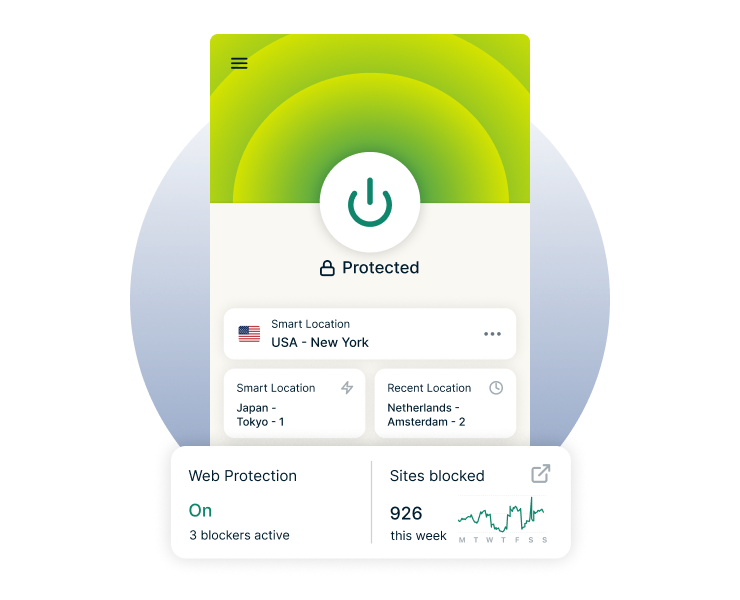
Block harmful websites in real time
Web Protection automatically helps block known malicious, phishing, and scam sites in real time. Once enabled, it works in the background as you browse.
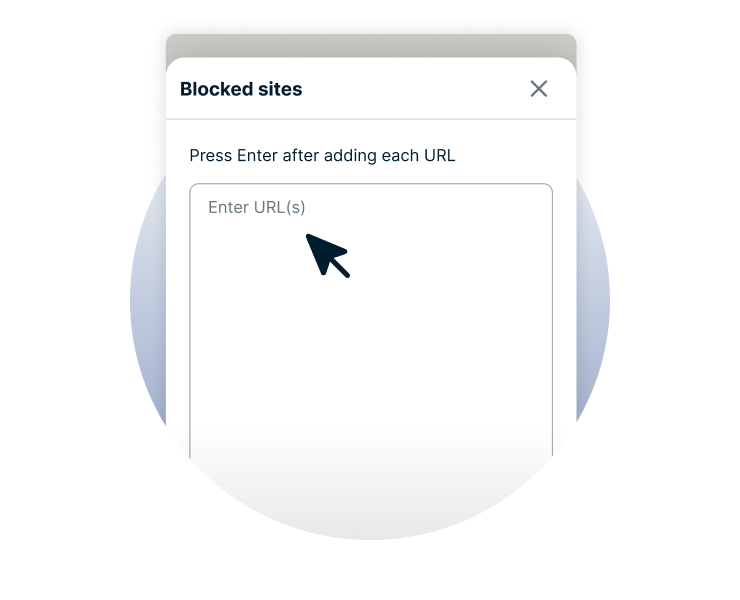
Block specific harmful pages or scripts
Web Protection checks the full web address, so it can block a specific harmful page or script without blocking the whole site. You can keep using the rest of the website as normal, while Web Protection blocks access to risky pages.
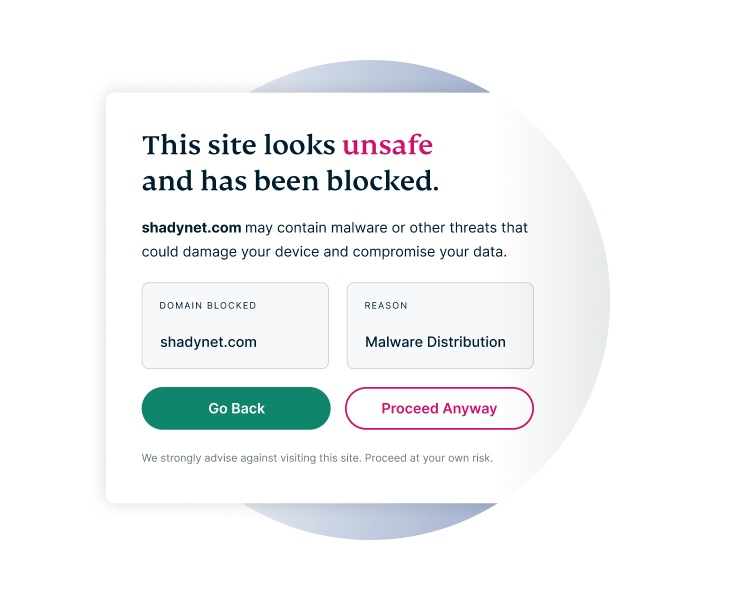
Understand why a site was blocked
When Web Protection blocks a known harmful site, it shows a page explaining why.
You'll know straight away what happened rather than wondering why the site didn’t load.
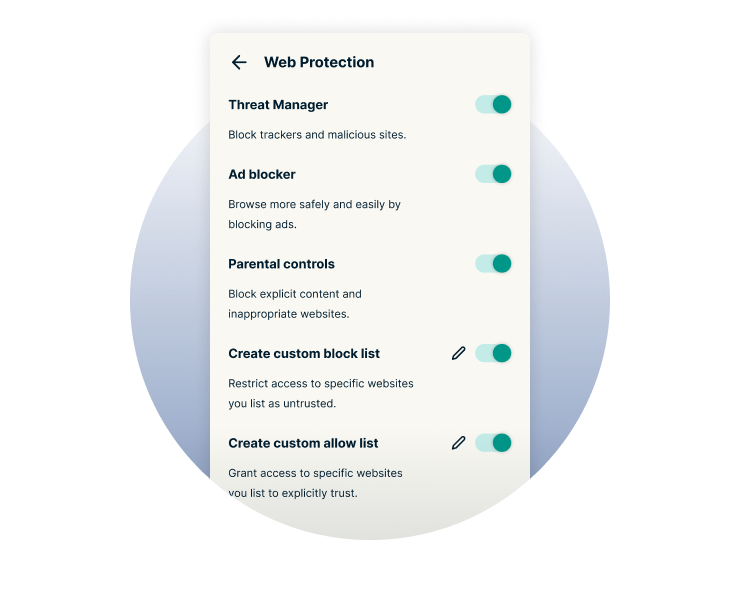
Choose which websites to block or allow
You can decide which sites Web Protection should always block or allow by managing your custom lists in the ExpressVPN browser extension.
If a site you want to visit is blocked, you can add it to your allowed list. You can also add specific domains to your blocked list to prevent access to specific sites, even if Web Protection hasn’t identified them as harmful.
How to use Web Protection in your browser
-
Step 1
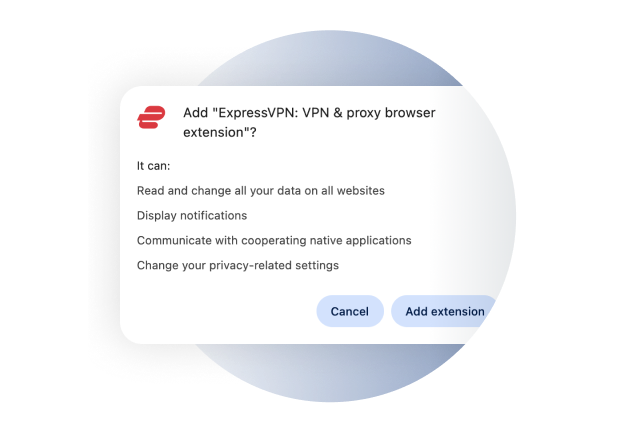
Install the browser extension
Add the ExpressVPN extension to Chrome, Firefox, or another supported browser.
-
Step 2
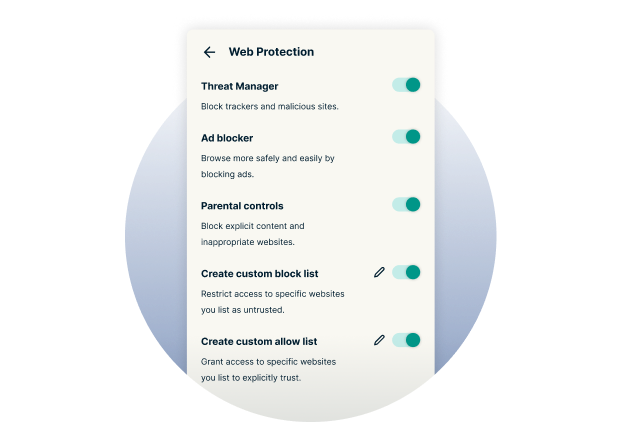
Turn on Web Protection
Sign into the extension and enable your preferred protections.
-
Step 3
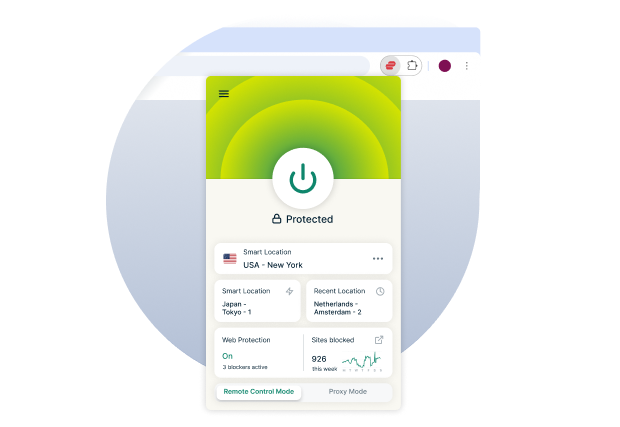
Browse with added protection
Web Protection helps block known harmful sites as you browse.
Web Protection and Advanced Protection work together
Advanced Protection helps block malicious sites, trackers, and adult content across your device, including in your apps, while the VPN is connected.
Web Protection adds more precise blocking inside the ExpressVPN browser extension, helping block harmful pages even when the VPN is off.
| Feature | Web Protection | Advanced Protection |
| Where it works | Browser only | Device-wide |
| Blocking level | Specific harmful URLs or pages | Entire domains |
| VPN needed | No | Yes |
| Your controls | Block or allow specific domains | Turn blocker categories on or off |
| What you see | Shows a block page | Works silently in the background |
Built into your ExpressVPN experience
-
Included at
no extra cost
Web Protection is included with your ExpressVPN subscription, so there’s no extra cost to use it. Just add the browser extension and switch it on, and Web Protection will get to work automatically as you browse.
-
Works however you connect

Web Protection works whichever way you use the extension. Control the ExpressVPN desktop app from your browser in remote control mode, or use the extension independently in proxy mode. Web Protection is built in either way.
-
Protection without the tracking

Web Protection doesn’t track you, store your browsing history, or keep logs of the sites you visit. You still get the extra protection against risky domains and links, but without giving up more of your privacy.
Get Web Protection in your browser

FAQ
What does Web Protection block?
Web Protection helps block known malicious, phishing, and scam websites, including specific harmful pages or scripts.
Does Web Protection work without a VPN?
Web Protection works directly in the browser extension, even when your VPN is off.
Does Web Protection protect every app on my device?
Web Protection protects what you do in the browser where the extension is installed. Advanced Protection provides broader, device-wide protection while the VPN is on.
Can I choose which websites Web Protection blocks?
You can add specific domains to your blocked or allowed lists in Web Protection directly in the browser extension.
Does Web Protection store my browsing history?
Web Protection doesn’t store your browsing history or keep a log of the sites you visit.
Which browsers support Web Protection?
Web Protection is available on Chromium-based browsers, including Chrome, Edge, and Brave, as well as Firefox.
How much does Web Protection cost?
Web Protection is included with your ExpressVPN subscription at no additional cost.
Add Web Protection to your browser
Get extra protection against harmful sites right inside your browser.
- See when Web Protection blocks a harmful site
- Manage blocked and allowed sites in a few clicks
- Included at no extra cost with your ExpressVPN subscription