Best Instagram VPN: Secure, private, & fast
Secure your connection while scrolling and posting on Instagram without compromising your speed
- Use Instagram privately on any network with industry-leading encryption
- Protect your account on the go with secure logins on public Wi-Fi
- Avoid buffering on Reels and Lives with fast 40Gbps servers
30-DAY MONEY-BACK GUARANTEE FOR FIRST-TIME USERS
-

IPHONE/IPAD -

Android -

Windows -

Mac -

Linux -

Router -

Smart TV -

Game console
Set up a VPN for Instagram in a few simple steps, no tech skills required
-
Step 1
Download the VPN for Instagram app
Sign up for ExpressVPN risk-free*, then download the app to your device.
-
Step 2
Connect to a secure server location
Sign in to the ExpressVPN app, and choose from 214 secure server locations.
-
Step 3
Open Instagram and browse securely
Open your Instagram app to scroll and post with peace of mind.
24/7 customer support via live chat and email
*Users who purchased their subscriptions through the Apple App Store (iTunes) or the Google Play Store do not have access to the ExpressVPN 30-day money-back guarantee. Instead, users can request refunds through the App Store or Play Store, at Apple’s or Google’s discretion.
Why use a VPN with Instagram?
Protect your accounts, data, and time while staying connected
Access Instagram on restricted Wi-Fi
Some networks restrict Instagram access, cutting you off from DMs, updates, and Reels during your downtime. An Instagram VPN with obfuscated servers disguises your encrypted traffic as regular browsing, so it isn’t blocked by network filters.
Your connection stays masked in the background for added privacy. So instead of hitting error screens, you can catch up on Insta using work or school Wi-Fi on your lunch break.
Protect your DMs and data on public Wi-Fi
Public Wi-Fi is handy for quick check-ins, but unsecured networks make your Instagram sessions vulnerable. It can expose your login details and personal data to anyone monitoring the connection.
A VPN for Instagram makes your device’s connection data unreadable so others on the same network can’t spy on your activity. A kill switch feature stops your data and real IP address from leaking if the connection drops.

Avoid content-based ISP throttling on Reels and Live video
Content-based throttling happens when ISPs slow apps or high-bandwidth traffic, like when you’re watching Reels on Instagram. Videos struggle to load and keep buffering or drop to low video quality.
With a VPN’s encryption, ISPs can’t see what services you’re using. Although overall network conditions still impact speeds, it’s harder to target Insta sessions for slowdowns, so your Live video quality stays consistent and Reels load fast.
Enhance your privacy on any network
When you open Instagram at home, on 5G, or on shared Wi‑Fi, the network you're on logs your connection to Instagram's servers and ISPs can monitor connection patterns. Over time, this metadata builds a picture of your habits tied to your IP address and identity.
A VPN service prevents network operators from monitoring which services you access. Instagram will still see what you do in the app, but your ISP and network admins won't be able to track your connection patterns.
Resolving Instagram features issues
Helpful tips for fixing Instagram issues when using a VPN
-

Best VPN for Instagram Music and Reels
When you travel, some of the music and video features you’re used to on Instagram may be unavailable due to regional music licensing restrictions in different countries.
You can keep using your regular account features by routing your connection through an ExpressVPN servers in your home region. In the app, tap the star icon next to the server location to save it as a favorite. That way, you can instantly return home (digitally) whenever you reconnect or travel.
-
Fix "Action Blocked" or login security errors
Instagram’s security systems may flag activity that looks inconsistent, such as logging in from different IP addresses or locations in a short period of time. This can result in temporary action blocks or login errors.
ExpressVPN’s Dedicated IP option keeps your IP address the same across sessions, helping reduce these interruptions while still protecting your connection privacy and security.
Troubleshooting: Instagram not working with your VPN?
Try these quick fixes to get your Instagram app working reliably

Switch your server location to refresh the connection
If you get persistent connections issues to your account, Instagram could have flagged the IP address you’re using. Switching to a different server in the same region gives you a fresh IP address and typically resets the connection.
With thousands of servers across 214 locations, ExpressVPN lets you reconnect quickly and get back to posting and messaging.
Change your VPN protocol in the app settings
Instagram might fail to connect or may load slowly if the network you’re on is slowing or blocking the VPN protocol your device is using. A VPN protocol is simply the method your device uses to connect and encrypt data, and you can switch to another protocol in the app.
Lightway is ExpressVPN’s recommended protocol because it’s lightweight, designed to connect quickly, and stay stable even on restrictive networks. Enabling it often resolves these issues, helping your Instagram content load instantly.

Clear your app cache for a clean slate
Instagram stores temporary data to run efficiently, but old cache or cookies can prevent new content from loading correctly. In a browser, cached session data tied to a previous IP address can reject your connection when using a VPN.
To fix this, clear your app cache and cookies on your browser, then reconnect to ExpressVPN. This refreshes your session so Instagram loads efficiently without the conflict of previous location data.

Toggle off Advanced Protection features
ExpressVPN’s advanced protection tools, like the ad blocker and tracker blocker, filter out display ads and trackers. These tools can interfere with Instagram’s functionality, causing slow loading or preventing features in your app from working.
If you temporarily switch them off in the VPN app settings, your core VPN encryption and privacy protections stay in place, but your images, Reels, and Stories have a clearer path to load.
Why ExpressVPN is the best choice for Instagram
Maintain access and secure your account with an Instagram VPN
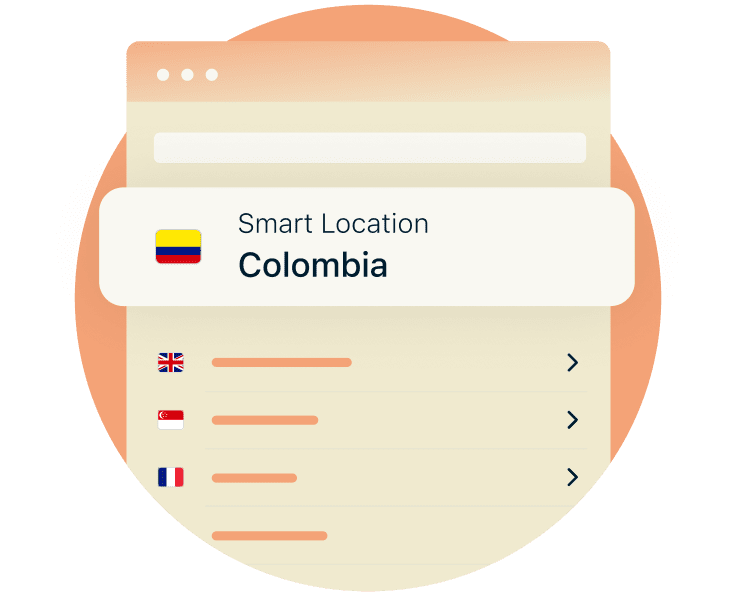
Servers in 113 countries for global access
Stay connected to Instagram Reels, music, and all your account features while traveling or working abroad. ExpressVPN’s servers support fast, reliable connections, with every server offering at least 10Gbps speeds and many locations up to 40Gbps.
That capacity means there’s less server congestion, even at peak times. So whether you’re posting from London, Lisbon, or Los Angeles, you don’t have to give up fast speeds for improved online privacy.

Lightway protocol for instant photo loading
Slow-loading photos, buffering Reels, and dropped Lives often happen when Instagram struggles to keep up with changing networks. This is especially common when you move between Wi-Fi and cellular data. A slow VPN protocol can make things worse.
ExpressVPN’s Lightway protocol uses lightweight, efficient code that minimizes encryption-related slowdowns and handles network switches better. That means your feed still loads fast, for sharing selfies and scenery with a tap.
24/7 support for connectivity issues
Access problems often show up at the worst time. You try to post, stream, or check notifications, and things stall. That can mean missed replies, failed uploads, and a frustrating experience.
ExpressVPN’s 24/7 support helps resolve connectivity problems in real-time, from switching servers, to troubleshooting an error. Stay connected when it matters most, so you can post and go Live on your schedule.
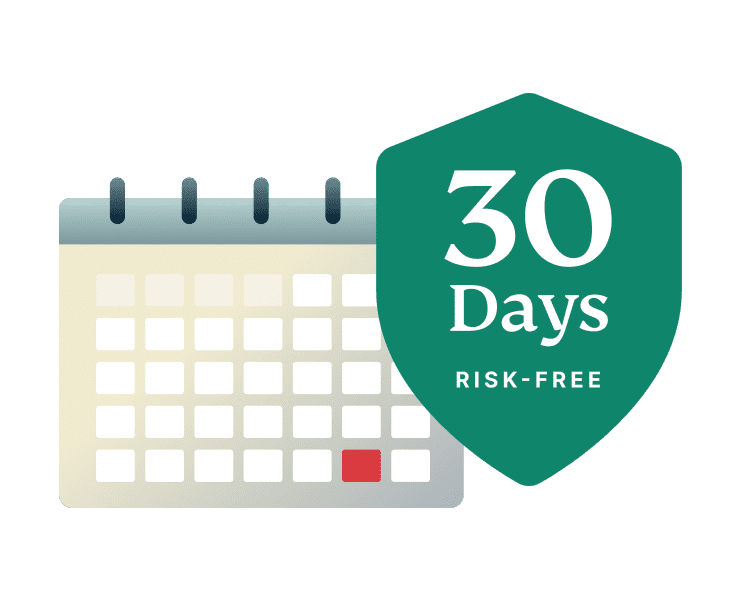
Try us risk-free for 30 days
When Instagram is part of your business or daily routine, a protected connection helps safeguard your account and engagement, so your time stays focused on what matters.
New users can try ExpressVPN’s service risk-free with our 30-day money-back guarantee. Experience Instagram without the frustration, slowdowns, or privacy risks of free alternatives.
FAQ
What you need to know about using an Instagram VPN
Is it legal to use a VPN with Instagram?
Yes, it’s legal to use a VPN with Instagram in most countries. A VPN protects your connection by encrypting your internet traffic and masking your IP address. It means you can use Instagram on public Wi-Fi for posting and checking-in with more security while you’re on the go.
Will a VPN change my Instagram location?
A VPN changes the IP address location Instagram detects. Instagram also identifies your location from GPS signals and the location settings you’ve enabled for the app. So when you use a VPN server without turning off your GPS or adjusting your in-app settings, it likely won’t alter your profile location or content settings.
Can I use a free VPN for Instagram?
You can, but free VPNs often come with trade-offs like slow speeds, data limits, and weaker privacy practices. Some log activity or inject ads. ExpressVPN delivers fast, reliable connections and has a strict no-logs policy, so you can post, message, and work on Instagram with confidence.
How to use VPN on Instagram?
Download ExpressVPN, sign in, and connect to a server before opening the Instagram app. Your connection is encrypted while you browse, post, message, or go live. Switch servers anytime if you notice loading issues with the app for a more stable connection.
Scroll, post, and chat with enhanced privacy
All new customers can try ExpressVPN risk-free for 30 days*
*Users who purchased their subscriptions through the Apple App Store (iTunes) or the Google Play Store do not have access to the ExpressVPN 30-day money-back guarantee. Instead, users can request refunds through the App Store or Play Store, at Apple’s or Google’s discretion.