Get the best VPN for Nintendo Switch
The Nintendo Switch VPN built for secure gaming at home, on campus, or on the go
- Fast and reliable gameplay with fast VPN servers and no data limits
- Stay private on shared Wi-Fi with encrypted, secure connections
- Set up in minutes with step-by-step guides and 24/7 live chat support
30-day money-back guarantee for new subscribers
ExpressVPN for Nintendo Switch
Get fast, private gaming no matter which Switch you play on
-
![Configuration@2x 2]()
Works perfectly with all Switch models
Whether you opt for the original model, prefer handheld sessions on the Switch Lite, or use on the latest version, you want a more private and reliable online experience. Although you can’t install VPN apps directly on your Switch, ExpressVPN has the answer. With simple setup options, you can cover all your consoles with a VPN and keep your gaming experience safe and stable, whatever your setup.
-
![All Devices Protected@2x 1]()
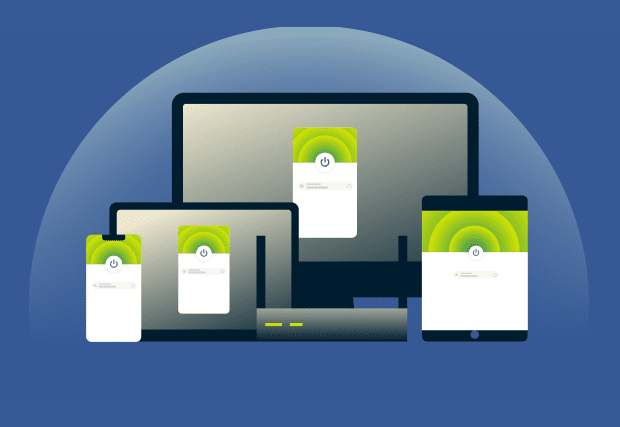
Easy to set up and use across your devices
Setting up a Nintendo Switch VPN is easier than you’d expect. ExpressVPN offers simple, clear options, including easy mobile hotspot setups when you’re on the go. With one subscription up to 14 devices stay protected at once, without extra steps or stress. Your Switch, phone, laptop, and TV all benefit from the same fast, reliable network.
How to set up a VPN on Nintendo Switch
Three simple ways to use ExpressVPN with your Switch
Method 1: Share a VPN connection from Windows or Mac
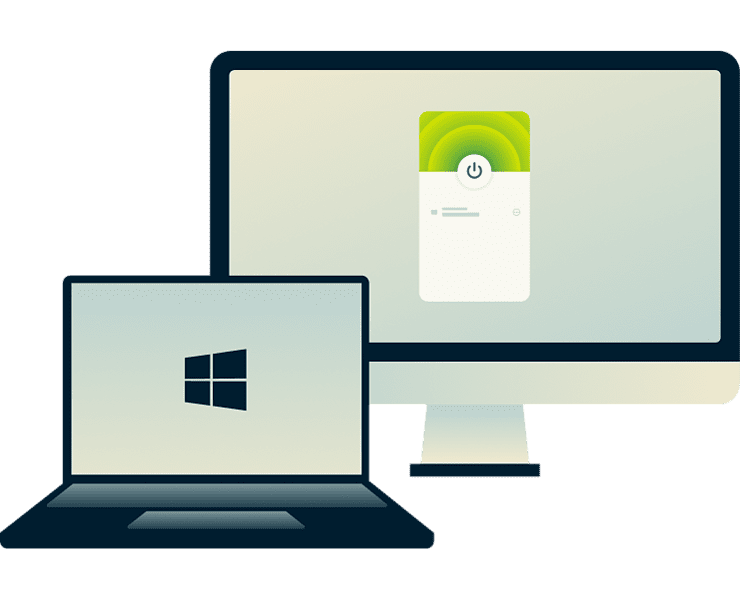
Sharing a VPN connection from your computer or phone is a flexible alternative. Download and run ExpressVPN on your Windows PC, Mac, or a mobile device, then share that connection with your Switch using Ethernet (via the Nintendo Switch dock with LAN port) or through a Wi-Fi hotspot.
This protects both your computer and your console with one setup, and it gives you convenient control over which VPN server location you’re using. This option works well if you play on different devices or move between rooms and networks.
Method 2: Use ExpressVPN’s MediaStreamer (Smart DNS)
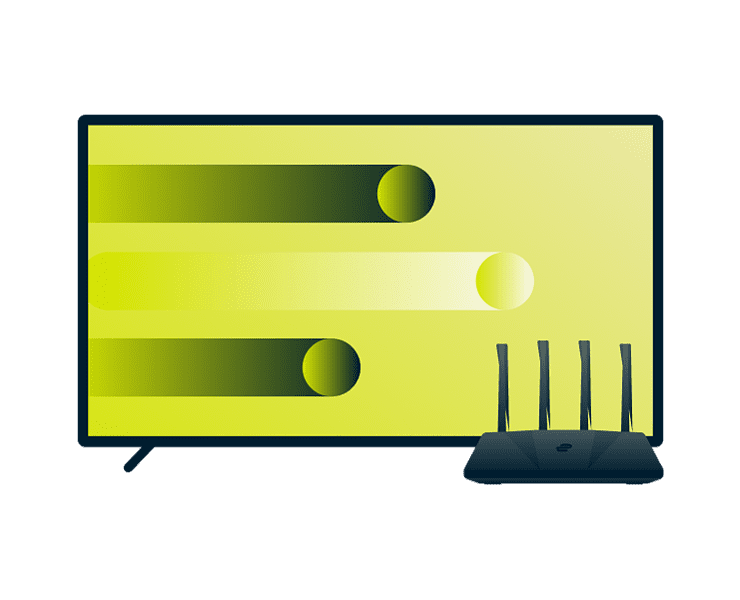
MediaStreamer keeps your connection fast and easy to manage. Using a Smart DNS setup your Switch can load apps quickly and reliably without adjusting your network.
It’s a straightforward setup process, but it won’t provide the same protection as a full VPN connection. Your traffic isn’t encrypted and it won’t hide your IP address. It works best if you prioritize speed and convenience over privacy features.
Video: How to use ExpressVPN with Nintendo Switch
A clear, visual guide to your Nintendo Switch VPN setup

Why use a VPN for gaming on Nintendo Switch
Use a Switch VPN for stronger protection and consistent performance
Improve connection stability and reduce lag
It’s frustrating if your connection slows or your ping jumps just as you’re getting into a session. Content-based ISP throttling can contribute to those slowdowns, especially during busy hours.
ExpressVPN encrypts your traffic to prevent your ISP from monitoring your online activity. Plus, with our upgraded infrastructure, you get faster, more consistent speeds, helping you stay focused instead of fighting your connection.
Stay protected from DDoS attacks
Competitive environments can bring unwanted attention, and a targeted DDoS attack could instantly knock you offline. ExpressVPN masks your real IP address behind shared VPN servers, so you effectively blend into normal VPN traffic.
With IPv6 and DNS leak protection built in, your IP address is shielded throughout your session. You get a safer connection while climbing the ranks without others disrupting your progress.
Maintain privacy on shared or public Wi-Fi
Handheld play often means connecting to networks you don’t control—at dorms, hotels, airports, or cafés. These public Wi-Fi networks aren’t always private, and anyone on the same connection could see more than you expect.
With the leading encryption standard protecting your traffic, ExpressVPN keeps your activity hidden from prying eyes. Internet Kill Switch gives you an additional layer of safety by instantly preventing data leaks if your internet connection drops.

Enjoy flexible online experiences without limits
Long gaming sessions and large downloads all use significant data. ExpressVPN gives you unlimited data and bandwidth across a global network of server locations, so you won’t hit limits during long sessions or updates.
Connect to servers in 113 locations, for flexibility when playing with friends online or managing how your connection routes. This keeps your setup secure whether you’re home or away.
Gaming on Nintendo Switch with ExpressVPN
Protect and optimize your online gaming, however you play
Use ExpressVPN for cloud gaming and remote play
Cloud gaming and remote play help you save storage on your Switch, but interruptions and lag can break the flow. ExpressVPN routes your traffic through high-bandwidth servers to reduce slowdowns and keep your streams and downloads running reliably. With a global network of fast, dependable VPN servers, you get a consistent, high-performance connection whenever you play remotely.
Free VPNs vs. ExpressVPN for Nintendo Switch
Forget the limits of free VPNs: get the secure, fast, and private performance you need
Speed and reliability when it matters most
Free VPNs often struggle with crowded servers and limited bandwidth, making online gaming frustrating. ExpressVPN offers a custom built Lightway protocol and a network of high-capacity servers to help reduce lag and interruptions.
Connect to a server near your game location, or let Smart Location choose the fastest option automatically. You’ll get more consistent performance during long sessions, updates, and cloud gaming.

Trusted protection for your data and privacy
Free VPNs can log or sell your data, leaving your private information exposed. ExpressVPN is built on strict privacy principles, including a no-logs policy and TrustedServer technology, which ensures nothing is stored on our servers and all traffic is processed securely.
Independent audits back this up, and our Trust Center explains our practices in full. With ExpressVPN, you keep your Switch connection private and protected—without compromise.
Easy setup and 24/7 live support
Setting up a VPN shouldn’t be a headache, but free services often come with confusing instructions or leave you waiting around for an email reply.
ExpressVPN offers step-by-step guides for every setup method and 24/7 live chat with real human support. That means help is always available if you need it, so your Switch connection is protected quickly and reliably.
Transparent pricing and a 30-day money-back guarantee
Many free Nintendo Switch VPNs cut corners with bandwidth caps, stripped-back features, or unclear data practices. ExpressVPN keeps things straightforward with transparent pricing and and subscription tiers to suit your needs.
All new users benefit from a risk-free 30-day money-back guarantee. You get a complete service upfront, with reliable setups that support your Nintendo Switch from day one.
*Users who purchased their subscriptions through the Apple App Store (iTunes) or the Google Play Store do not have access to the ExpressVPN 30-day money-back guarantee. Instead, users can request refunds through the App Store or Play Store, at Apple’s or Google’s discretion.
Gamers love ExpressVPN for Nintendo Switch
See what our happy customers say about using ExpressVPN for gaming
@expressvpn I was able to get the service i needed for gaming 10/10 all platforms thx well worth service i needed!


Wow, @expressvpn thank you for the stable connection, allowing me to stream and game with minimal issues on my rural connection! First #vpn to do that well for me.

Yeet! Yup. Its the fastest VPN I’ve ever used to date. I dont even bother switching it off for gaming anymore. Hardly notice it.

Common questions about VPNs and Nintendo Switch
Your top Nintendo Switch online VPN questions explained
Can you put a VPN on a Nintendo Switch?
The Switch doesn’t support VPN apps, but you can protect it by using ExpressVPN on a shared connection from your computer or phone. This gives your console an encrypted, stable connection through a global network of VPN servers.
Can a Nintendo Switch be region locked?
The Switch itself isn’t region locked, but some games, content, and eShop options are tied to location. ExpressVPN helps you manage how your traffic routes with a worldwide network of fast 10Gbps and 40Gbps servers. Always comply with local laws and terms of service.
Does ExpressVPN work with cloud gaming services?
Yes. ExpressVPN helps keep cloud gaming smooth by routing your traffic through fast, high-bandwidth servers. This minimizes interruptions, reduces the impact of ISP throttling, and can help keep your connection stable so you can stream games without worrying about drops.
What’s the difference between MediaStreamer and a VPN?
MediaStreamer improves streaming compatibility and speed using Smart DNS, but it doesn’t encrypt your traffic or hide your IP address. A full VPN connection with ExpressVPN adds privacy, encryption, and protection from DDoS threats—ideal if you want both speed and security.
Will a VPN affect my gaming speed?
ExpressVPN supports a steadier gaming experience by encrypting your traffic, which can help you avoid ISP content-based throttling. With Lightway protocol and a regularly optimized server network, your connection stays more consistent while you play.
Can I use ExpressVPN on multiple devices at once?
Yes. You can protect multiple devices simultaneously with one ExpressVPN subscription. Your Switch, phone, computer, and other devices can all benefit from the VPN's advanced security and privacy features.
How to use VPN on Nintendo Switch?
Set up ExpressVPN on a VPN-supported device like your phone or computer. Then share that device's connection with your Switch so it can also run traffic through the VPN. Once your Switch connects via Wi-Fi or Ethernet, it automatically benefits from encryption, consistent speeds, and reliable protection.
Try ExpressVPN for Nintendo Switch gaming risk-free
Use a VPN Nintendo Switch users rely on and play your way
Get a private connection for Nintendo Switch you can rely on with ExpressVPN. New subscribers can try ExpressVPN with a 30-day money-back guarantee*, giving you time to see how it fits into your setup.
*Users who purchased their subscriptions through the Apple App Store (iTunes) or the Google Play Store do not have access to the ExpressVPN 30-day money-back guarantee. Instead, users can request refunds through the App Store or Play Store, at Apple’s or Google’s discretion.