VPN for Samsung Smart TV: Fast, private, and easy
Benefit from optimized 40Gbps VPN servers in 105 countries for reliable connections, backed by a verified no-logs policy
- Stream in HD/4K without content-based ISP throttling or VPN bandwidth limits
- Protect your Samsung Smart TV and other devices with one subscription
- Set up the VPN in minutes with easy methods and 24/7 live support
30-day money-back guarantee*
*for first-time users

Why use a VPN on your Samsung Smart TV
Get full VPN privacy benefits with fast server connections worldwide

Protect your household’s online privacy
Keep your family’s online activity secure and private using a VPN on Samsung Smart TV. It encrypts your connection, protecting your streaming, browsing, and gaming activity from ISPs, network admins, and other prying eyes.
Since third parties can collect viewing habits and personal data through your smart TV connection, using a VPN gives you more control over your household's online privacy.

Maintain consistent, secure connections for streaming and browsing
Get fast, stable, and secure connections with a Samsung Smart TV VPN. The best VPNs route your traffic through optimized servers using advanced protocols, supporting HD/4K streaming quality.
Your connection is encrypted, so your ISP can’t see what you’re doing, making it harder to throttle your bandwidth based on content type. Stream the FIFA 2026 qualifiers or catch up on your favorite international series reliably using your subscriptions.
How to set up ExpressVPN on Samsung Smart TVs
See how to install a VPN on your Samsung Smart TV in 3 simple steps
-
![Register your device to activate MediaStreamer* Sign in to your ExpressVPN account. Go to the DNS settings, and click Register my IP address. Enabl...]()
Register your device to activate MediaStreamer*
Sign in to your ExpressVPN account. Go to the DNS settings, and click Register my IP address. Enable “Automatically register my IP address” for future changes.
-
![Configuration@2x 1]()
Configure MediaStreamer on your Samsung Smart TV
Get the MediaStreamer DNS address from ExpressVPN. On your TV, go to Network → Network Status → IP Settings → DNS Settings. Enter the MediaStreamer DNS address manually.
-
![Confirm your MediaStreamer connection is working Once the DNS is set, your TV will check the internet connection. If successful, you’ll see “Yo...]()
Confirm your MediaStreamer connection is working
Once the DNS is set, your TV will check the internet connection. If successful, you’ll see “You are connected to the Internet.” If you see an error, re-enter the MediaStreamer DNS address.



*MediaStreamer is a Smart DNS service for devices that don't support VPN apps. It does not encrypt your connection or offer the privacy benefits of a VPN. For full protection, connect your Samsung TV to an ExpressVPN-enabled router. Contact our 24/7 support for help.
Advanced router setup
Get full VPN protection for your Samsung Smart TV using an Aircove router
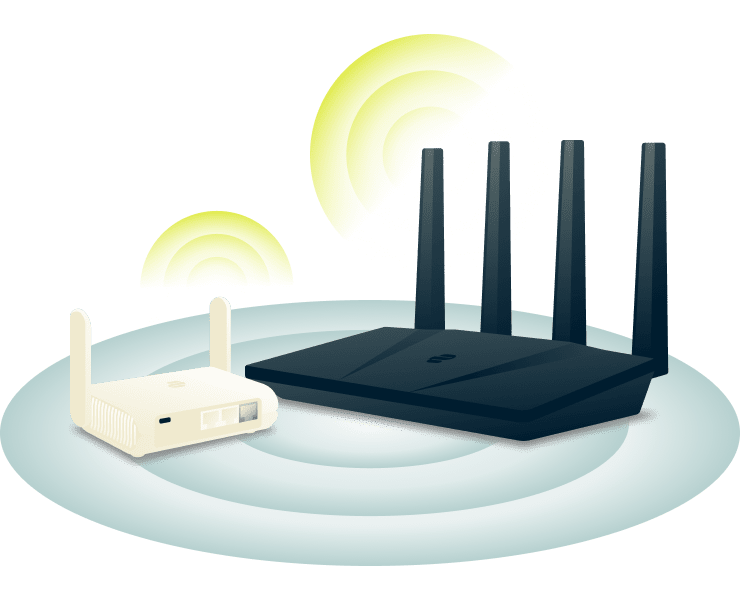
Use ExpressVPN on a compatible Wi-Fi router
Use the Aircove* router with ExpressVPN built in for instant protection. Setup is easy and takes just five minutes. Once installed, all devices—including your Samsung Smart TV—automatically use the VPN, with no app or extra setup required.
*Aircove requires an active ExpressVPN subscription to provide VPN protection.

Manage your home network with ExpressVPN’s router firmware
Take full control of your home network and decide how each device connects. With ExpressVPN’s router firmware on Aircove, you can create up to 5 Device Groups.
Assign your Samsung Smart TV to a specific VPN location for optimal performance, while other devices connect through different servers or stay on your regular network. This setup gives you flexible, personalized protection for every device in your home.
Other ways to use ExpressVPN with a Samsung Smart TV
Stream with enhanced privacy in seconds on your big screen
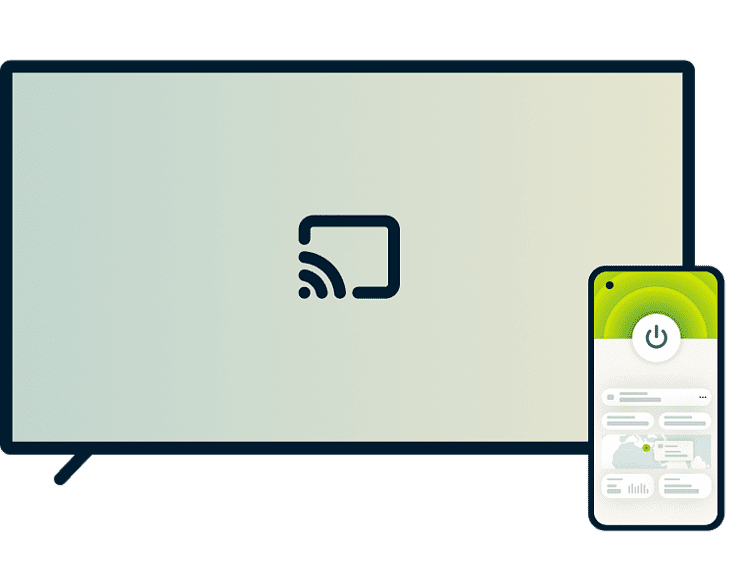
Share a VPN connection through screen casting or mirroring
Casting and mirroring let you share your phone, tablet, or computer screen to a Samsung Smart TV. When ExpressVPN is active on your source device, your internet traffic on that device is encrypted, while the content displays on your TV.
For Android and Windows devices, use Samsung Smart View or Miracast for screen mirroring. For iOS and macOS devices, use AirPlay 2. To get started, connect your device to the same Wi-Fi as your TV, enable ExpressVPN on the device, and activate its casting or mirroring feature.
What to look for in a VPN for Samsung Smart TVs
Key VPN features for optimal streaming performance and privacy

Reliable privacy protection and encryption
Keep your streaming activity private with a VPN that prioritizes security. The best VPN for Samsung Smart TV uses advanced 256-bit AES encryption to protect your connection, preventing ISPs and network administrators from monitoring what you watch or which apps you use.

Fast, stable speeds for consistent streaming
A premium Samsung Smart TV VPN delivers fast, reliable performance backed by high-speed servers worldwide and advanced VPN protocols, to support HD/4K streaming.
When connecting through a VPN, your ISP can’t see what you're streaming, making it harder to apply content-based throttling to your connection. The result: consistent speeds no matter what you’re watching.

Easy setup with expert customer support
While Samsung Smart TVs don’t allow VPN apps to be installed directly, you can still download VPN tools on secondary device and start streaming securely with minimal setup.
You can also connect through a router for automatic, whole-network protection or use MediaStreamer for fast streaming without encryption. Our step-by-step guides and 24/7 expert support make setup hassle-free, so you can start streaming right away.

Compatibility across your devices with 1 subscription
Tired of VPNs that only work on some devices? The best VPN keeps every device in your home protected and connected, not only your Samsung Smart TV.
From laptops and smartphones to smart TVs, ExpressVPN works efficiently across all major devices. Protect up to 14 devices simultaneously under one subscription, and get enhanced online privacy at home or on the go.
Why choose ExpressVPN for Samsung Smart TVs
ExpressVPN delivers what Samsung Smart TV users need
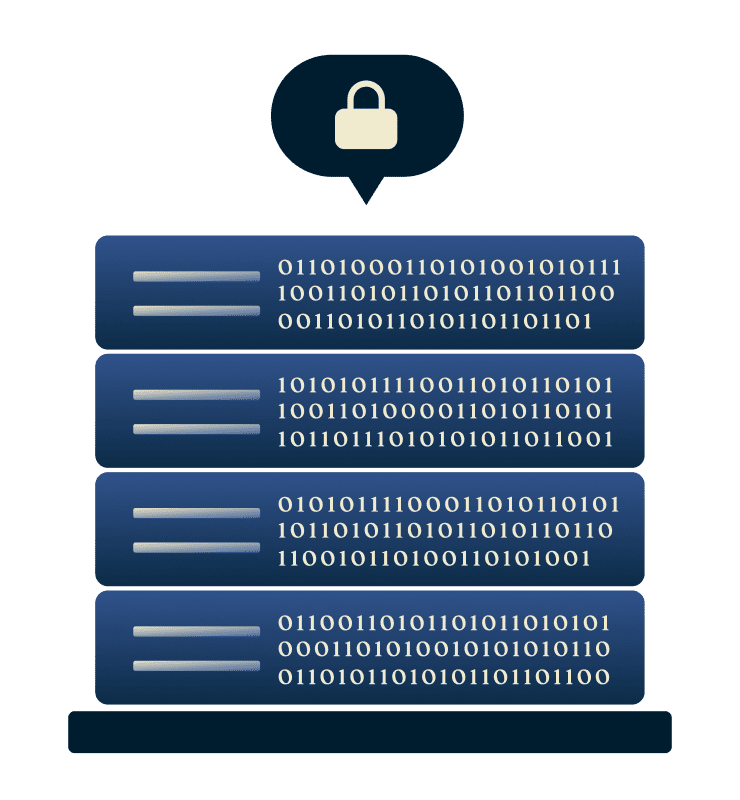
TrustedServer technology with no activity logs
ExpressVPN’s TrustedServer technology runs on RAM-only servers. No hard drives are present, so no data is stored. Every server also automatically wipes itself clean with each reboot.
Independent audits verify our strict no-logs policy and server infrastructure, ensuring your browsing activity and connection data remain private. What you watch on your Samsung Smart TV, when you watch it, and which apps you use—none of it is logged or stored.

24/7 live chat support and 30-day money-back guarantee
Our 24/7 support team, available in multiple languages via live chat or email, is always ready to help. Whether you’ve got questions about setup, troubleshooting, or using ExpressVPN on your Samsung Smart TV.
First-time customers are covered by our 30-day money-back guarantee*. Not satisfied? Simply contact support to request a refund.
*Purchases through the App Store are handled by Apple, and refunds are at their discretion.

Global server network optimised for performance
Buffering or throttling can ruin your viewing experience when you’re binge-watching your favorite series or joining a live stream.
Connect to any of ExpressVPN’s high-speed 40Gbps servers across 105 countries and stream with secure data and a private IP address. Combined with our proprietary Lightway protocol and unlimited bandwidth, you get consistent, reliable speed, and secure connections you can count on.
What people are saying about ExpressVPN
See why ExpressVPN customers are satisfied with our product
I have ExpressVPN on all my devices - phone, laptop, tablet, AppleTV, etc., and absolutely love it.


* A sample of reviews from our most satisfied customers
Got an account with @expressvpn yesterday. Great decision for traveling out of the country!
@D_Geiger

* A sample of reviews from our most satisfied customers
With its consistent performance and reliable security, ExpressVPN is the best VPN out there.

* We sometimes pay expert sites for customer referrals
FAQ’s: About VPNs for Samsung Smart TVs
Answers to your most common questions
Can I put a VPN on my Samsung Smart TV?
Yes. Use ExpressVPN's Aircove router for instant protection for your Samsung Smart TV and all devices on your network. You can also mirror content from any VPN-enabled device (phone, tablet, laptop) to your TV.
How to install a VPN on my Samsung Smart TV if it doesn’t support VPN apps?
You have three options: Use the Aircove router with ExpressVPN built in* for automatic whole-home protection, use MediaStreamer for quick streaming setup, or mirror from any VPN-enabled device to your TV.
*VPN features on Aircove require an active ExpressVPN subscription to work.
What’s the best VPN for Samsung Smart TV?
ExpressVPN is the best VPN for Samsung Smart TV, offering fast 40Gbps servers in 105 countries, 256-bit AES encryption, and a verified no-logs policy. With unlimited bandwidth and reliable speeds, you get secure, consistent streaming across all your devices. Plus, first-time customers get a 30-day money-back guarantee.
Will a VPN affect my streaming speed?
With ExpressVPN's 40Gbps servers and Lightway protocol, speed impact is minimal. Your HD/4K stream works as expected. Plus, if your ISP applies content-based throttling, ExpressVPN can help you avoid those slowdowns, so your speeds stay consistent.
Can I use 1 VPN account on multiple devices?
Yes. One ExpressVPN subscription protects up to 14 devices simultaneously—whether it’s your phone, computer, tablet, or smart TV. You can also use our Aircove router with built-in ExpressVPN protection*, which covers all connected devices while counting as only one connection.
*VPN features on Aircove require an active ExpressVPN subscription to work.
How do I check if my VPN is working on my TV?
Check your router dashboard to confirm VPN connection, or verify your IP address from any device on your network matches your VPN server location. If using MediaStreamer, your IP won't change—it enhances streaming but doesn't provide VPN encryption.
Try ExpressVPN risk-free on your Samsung Smart TV
First-time customers can try ExpressVPN risk-free with our 30-day money-back guarantee.*

*Contact support to request a refund. Limited to first-time subscribers. Purchases through the App Store are handled by Apple, and refunds are at their discretion.