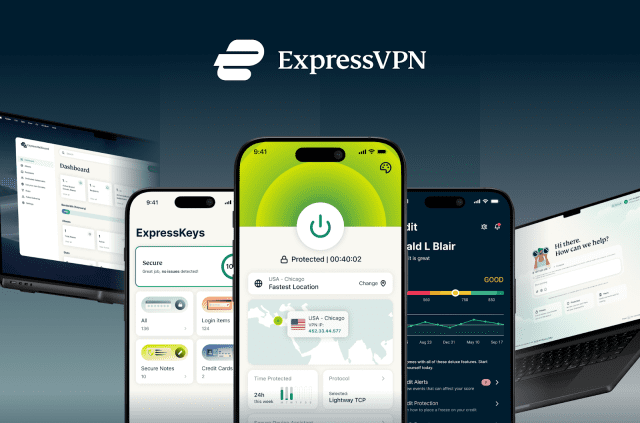
Meet ExpressKeys, a new home for your passwords


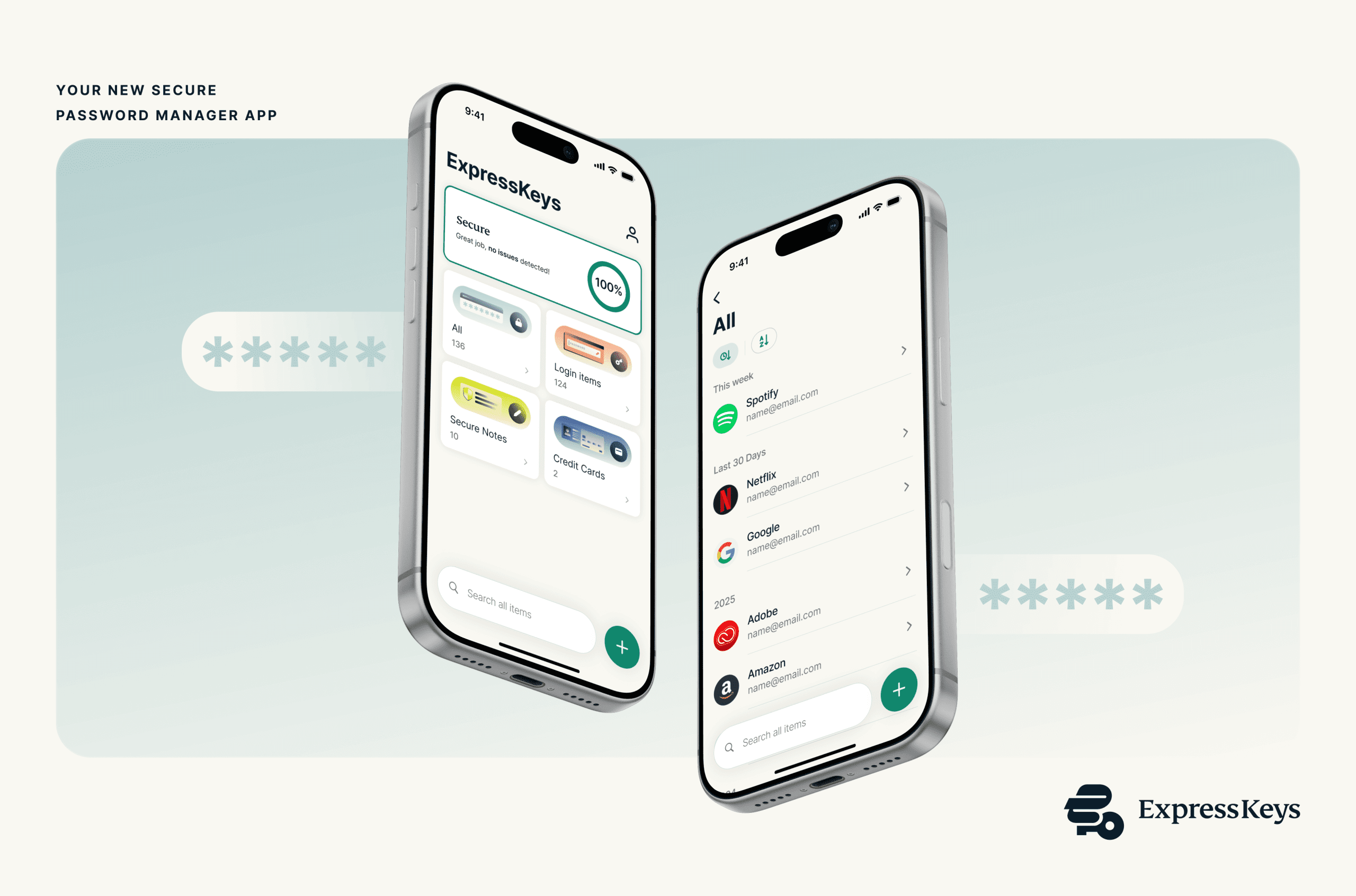
Your connection and your credentials serve different needs. Now they have distinct apps.
Keys has been a trusted feature inside the ExpressVPN app. It’s now upgrading to ExpressKeys, a dedicated password manager with built-in multi-factor authentication (MFA).
- ExpressKeys is now a standalone app for iOS and Android, giving your passwords their own focused home separate from the VPN.
- It includes zero-knowledge encryption, cross-device syncing, 2FA code generation, and proactive breach monitoring.
- The transition is seamless: simply log in with your ExpressVPN credentials, and your existing vault (passwords, notes, and cards) appears automatically.
- It’s included with Advanced, Pro, and legacy subscriptions at no extra cost.
- The Keys feature will remain in the main VPN app until March 5, 2026, after which it will move exclusively to this new standalone app.
Passwords tend to live quiet lives until the moment you need one and can’t find it. They sit inside browsers, inside apps, inside notebooks, and sometimes only inside memory. Over time, that patchwork turns into reused logins, forgotten credentials, or security habits that never felt ideal in the first place.
Keys was created to solve that. It began its life inside the ExpressVPN app, where it gave millions of users a simple way to generate, store, and fill strong passwords. As Keys became part of everyday security for many users, it became clear that password management deserved its own dedicated space.
ExpressKeys is that next step. It’s built on what users already know from Keys, now with a clearer home and a new dedicated path forward as its own product and app.
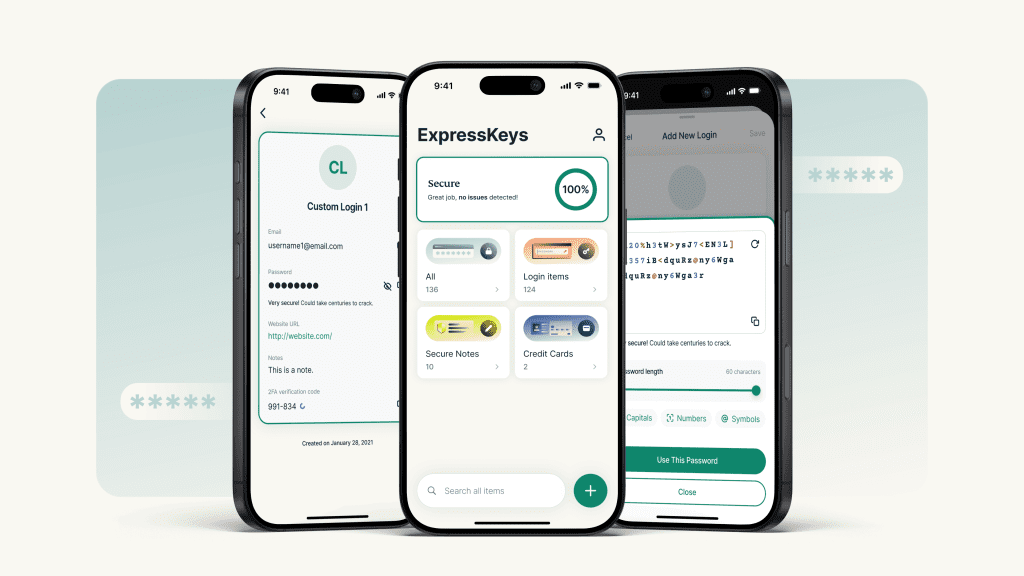
A password manager designed to stand on its own
ExpressKeys is built to do one thing well: help you store, manage, and use your passwords securely and easily.
With its new standalone apps for iOS and Android (alongside a browser extension), ExpressKeys can evolve independently with its own roadmap and more flexibility to build features users expect from a modern password manager.
It brings the same tools people relied on in Keys into a product designed specifically for managing passwords, rather than sharing space with a VPN app.
The experience will feel familiar. ExpressKeys still uses zero-knowledge encryption. It still syncs passwords, secure notes, cards, and 2FA codes across devices. Autofill still takes care of sign-ins on trusted sites and apps. What’s changed is not how it works, but where it lives, and the clarity that comes with that.
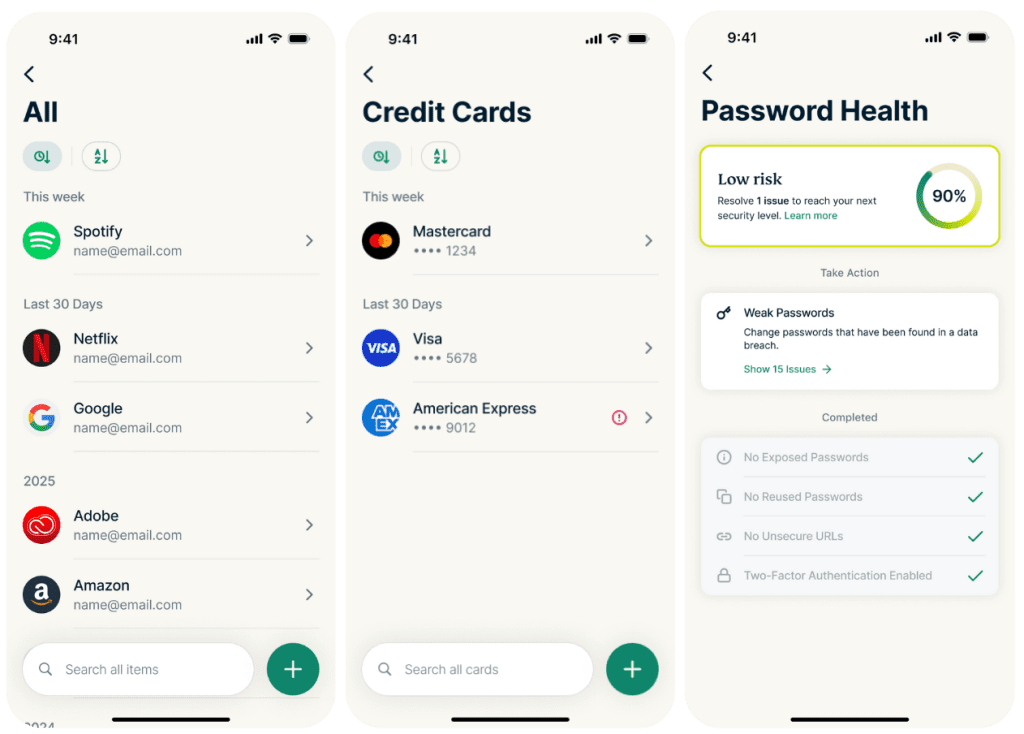
The password generator creates long, unique passwords. Password Health highlights weak or reused credentials. Breach checks help identify whether an email address or password may have appeared in known data breaches. The built-in two-factor authenticator generates one-time codes for accounts that need an extra layer of protection.
These are the protections users trusted and loved in Keys, now in a space shaped entirely around storing, generating, and organizing them.
A simple transition for current Keys users
If you’re already using Keys, the transition is straightforward. Download ExpressKeys from the App Store or Google Play Store, then sign in using your ExpressVPN credentials. Your entire vault appears automatically: passwords, secure notes, cards, and 2FA entries.
If you use the Keys browser extension on desktop, nothing changes. The extension will be rebranded as ExpressKeys (see image below), but it works the same way and continues to sync with your vault as before.
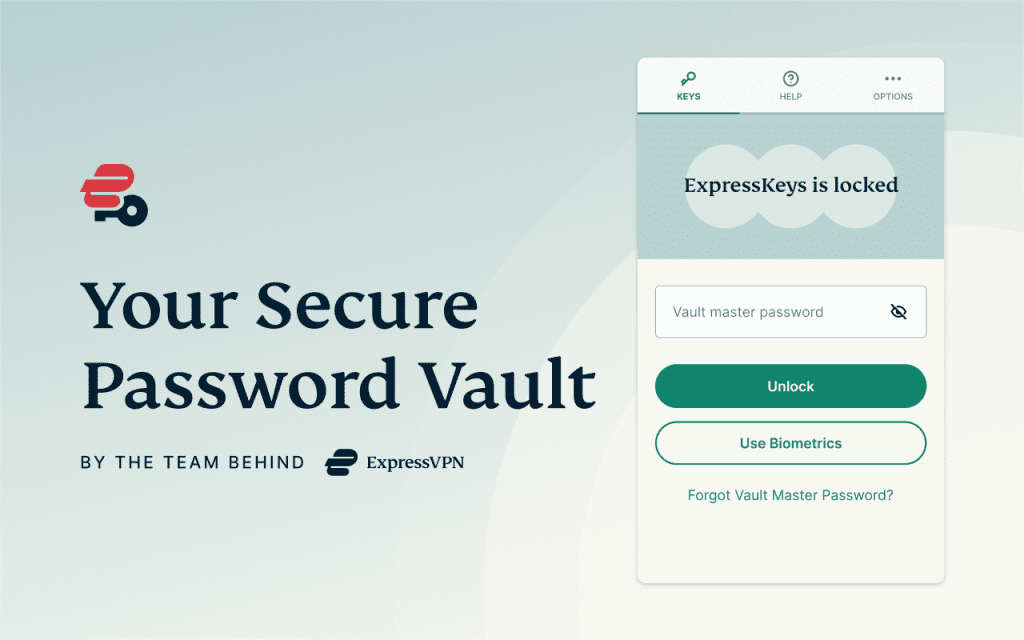
During the transition period, both apps can be used side by side, with your data staying in sync. You can switch in your own time. From March 5, 2026, Keys will be removed from the ExpressVPN app, and ExpressKeys will become the dedicated app for password management.
In short: there will be no disruption to how you already use Keys.
For step-by-step instructions and help with specific account setups, see the ExpressKeys migration guide on the ExpressVPN support site.
Why ExpressKeys matters now
As our products grow, it becomes more important to create clearer, more focused experiences. Password management and connection protection serve different purposes. Keeping them together made sense when Keys was first introduced. Over time, separating them allows each product to focus on what it does best.
With ExpressKeys in its own app, password management can be developed as a dedicated tool, shaped entirely around storing, generating, and protecting credentials. Improvements to ExpressKeys can now be made with that single goal in mind, without competing for space or attention inside a VPN interface.
At the same time, the ExpressVPN app stays focused on protecting your connection. By keeping password management separate, the VPN experience remains streamlined and centred on performance, reliability, and network-level privacy.
Keys laid the foundation inside the ExpressVPN app. ExpressKeys builds on that work by giving password management its own clear place, while allowing each product to evolve with purpose.
Get ExpressKeys
ExpressKeys is included with Advanced and Pro plans, as well as all legacy subscriptions that previously supported Keys. An active ExpressVPN subscription is required to sign in. You can download it today on iOS and Android. Help articles, FAQs, and migration guidance are available in a dedicated ExpressKeys section on the ExpressVPN support site.
Take the first step to protect yourself online. Try ExpressVPN risk-free.
Get ExpressVPN